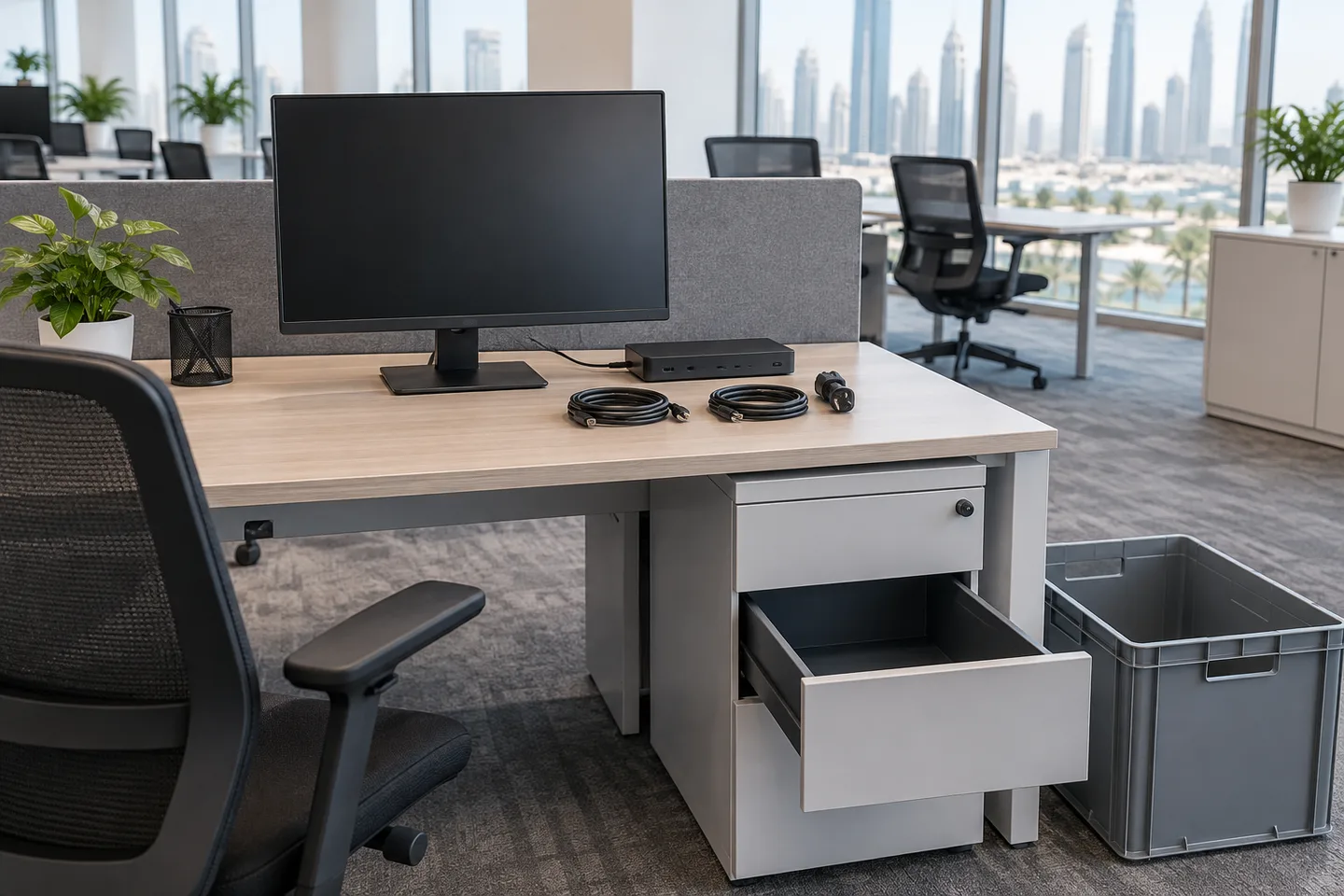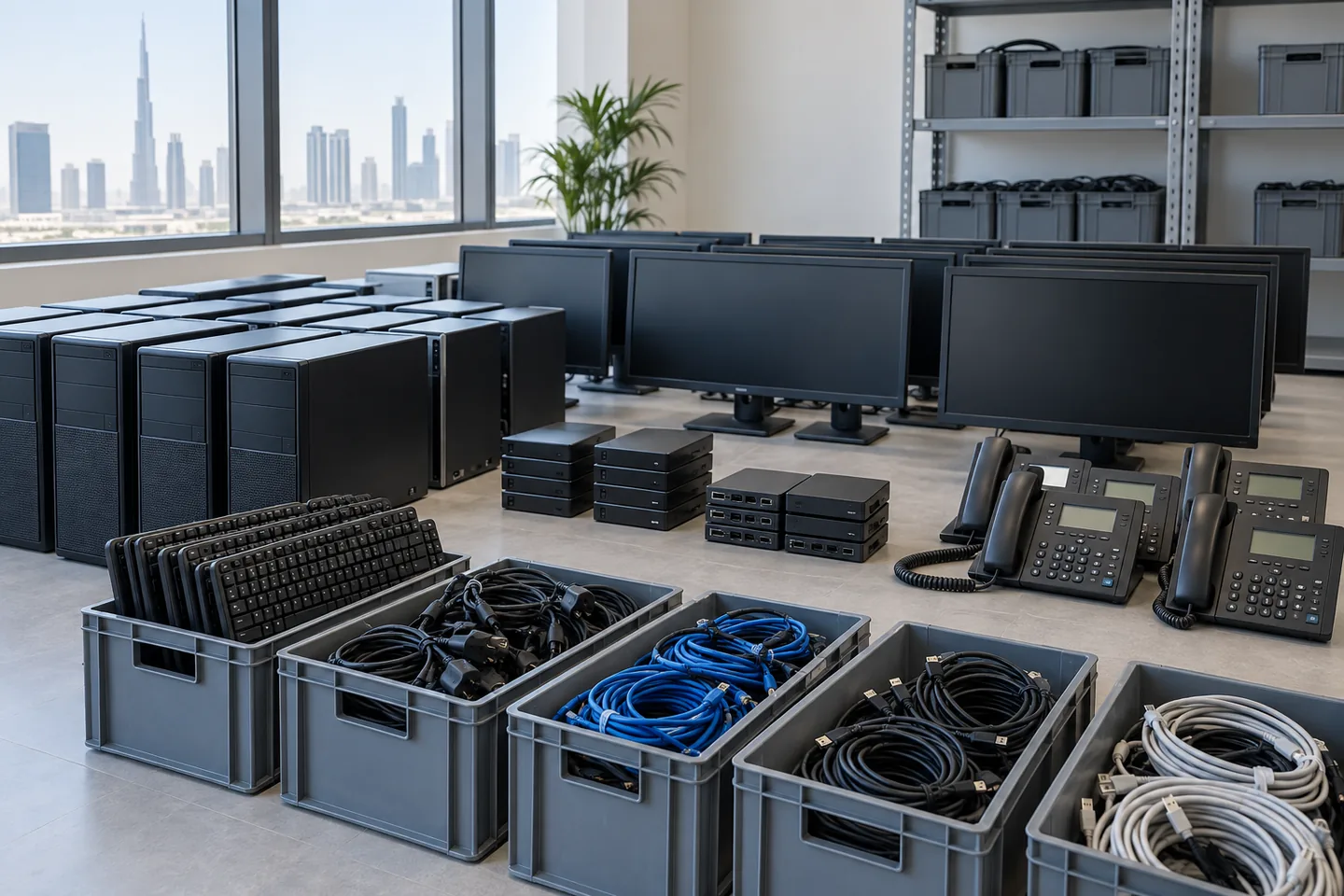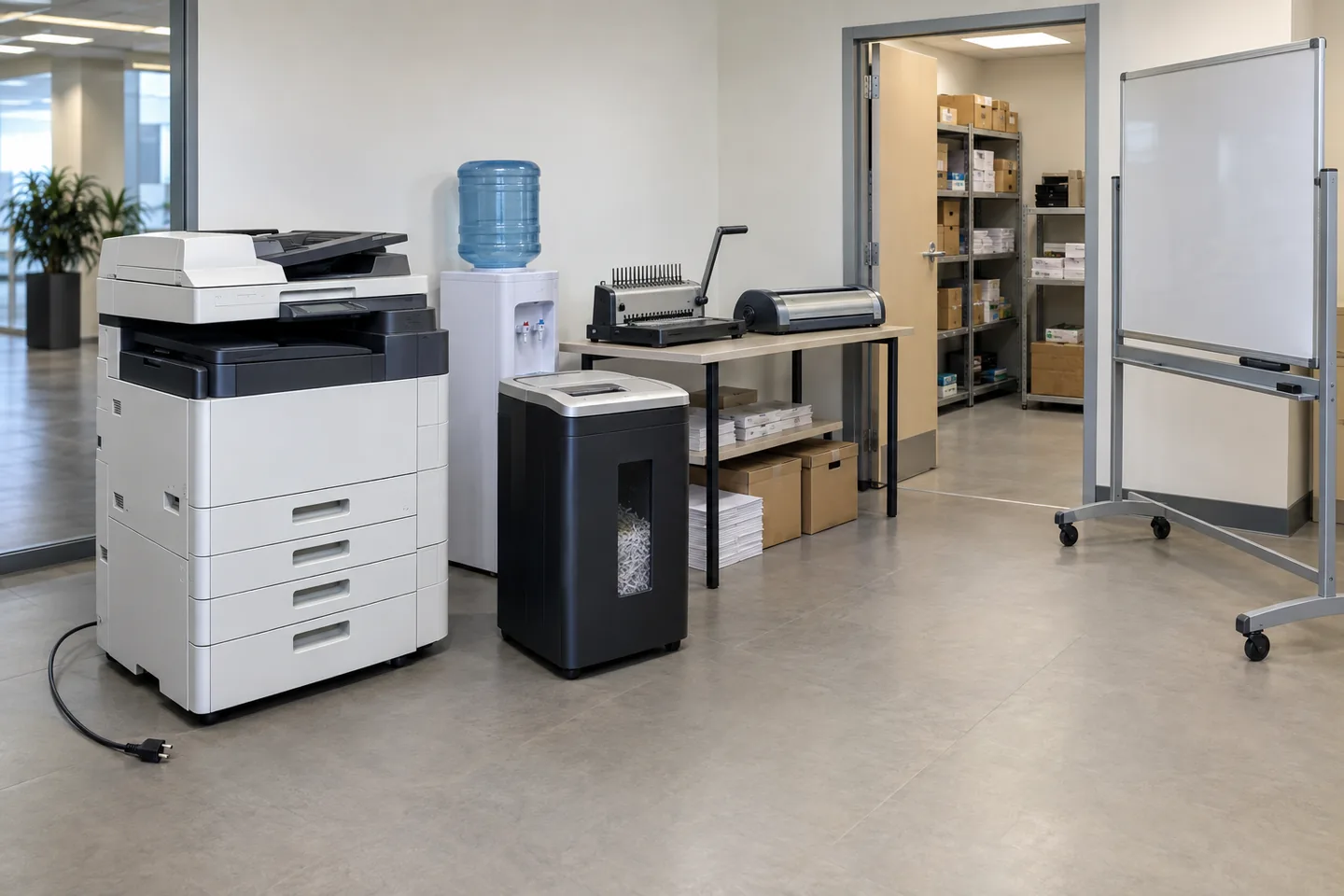
Workstation removal treats each position as one operational unit: desk, chair, pedestal, monitors, dock, power supplies and assigned accessories. It combines furniture removal with controlled office electronics disposal, so the business must release both sides before anything leaves.
How is workstation removal different from desk removal?
Desk removal owns the furniture system and its dismantling. Workstation removal owns the complete user position and the decision that every component at that position follows. A desk may be reused while its monitor is transferred, its dock is returned to IT and its chair is collected; calling the whole group simply ‘one desk’ loses those destinations.
The useful counting unit is therefore a workstation set, not an item total. Count standard sets first, then record exceptions such as dual monitors, specialist chairs, sit-stand frames, under-desk computers and shared equipment that does not belong to one person.
Build a release matrix before the collection date
A release matrix maps positions to destinations. It does not need serial numbers in the collection document, but it does need a clear business owner and a simple status for every set. IT keeps its asset record separately and confirms when data-bearing or leased devices are cleared to move.
- Transfer: the whole set or selected components go to another office or employee.
- Reuse internally: the set stays available for a new starter, project room or spare pool.
- Return: leased monitors, docks, chairs or computers go back to the named supplier.
- Collect: released furniture and electronics enter the agreed removal routes.
- Hold: anything with uncertain ownership, data status or destination remains in a controlled zone.
Use visible colour tags or zone signs for the operational status, but keep confidential asset details in the business record. On a large floor in DIFC, a crew needs to see ‘transfer’, ‘collect’ or ‘hold’ at a glance; it does not need employee names or device histories displayed on the furniture.
Release furniture and electronics through separate controls
Facilities can release desks, chairs and pedestals only after ownership and fit-out boundaries are clear. IT releases monitors, docks, phones and computers after its data and asset process. A workstation becomes ready for removal when those approvals meet, not when the employee vacates the seat.
Power supplies and adapters should remain with their devices. Keys should stay with their pedestals. Monitor arms, privacy screens and specialist accessories should stay with the position they serve unless the destination list says otherwise. These small pairings determine whether a transferred set works on arrival.
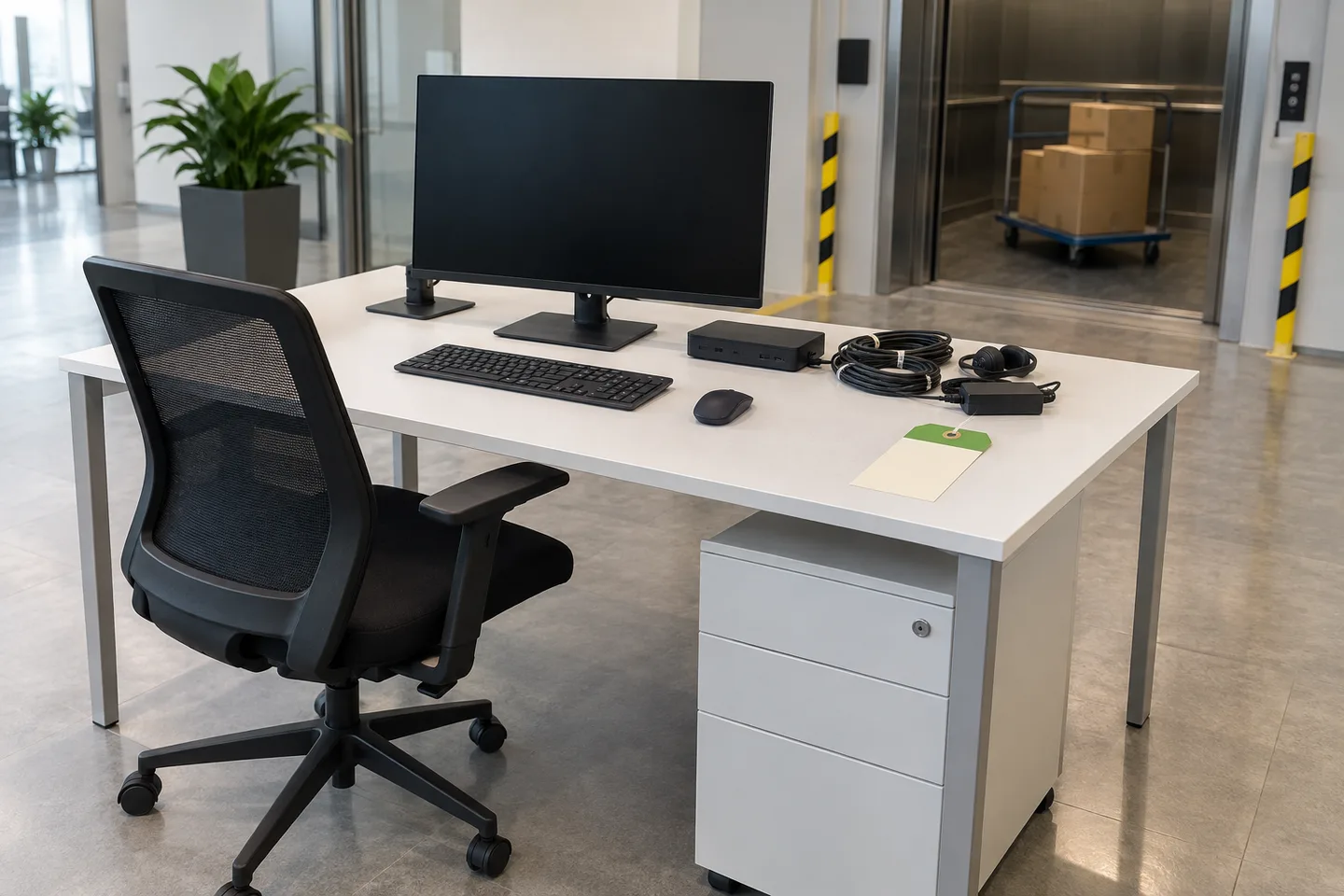
Stage workstations without losing the set
Move one status zone at a time. Loose accessories go into a container associated with the workstation group, screens are protected upright, and chairs and pedestals remain beside the correct desk set until loading. Mixing all cables, keys and docks into communal boxes saves minutes during clearance and costs hours during reassembly.
- Confirm the zone and destination with the authorised office contact.
- Remove confidential material and personal contents before the crew enters the position.
- Power down, release and pair electronics with their accessories.
- Separate the furniture using the desk-system plan without repeating asset decisions on the floor.
- Check the complete set at the staging point, then move it through the booked goods-lift window.
Quote and hand over by workstation group
For a useful quote, provide the number of standard workstations, the number of exceptions, destination counts, floor access and the lift or loading window. Photos should show complete rows and the space below desks, where computer towers, cable trays and pedestals are easily missed.
The final handover should reconcile groups, not claim certainty about every individual asset unless that was explicitly in scope. A practical closeout says how many workstation sets transferred, returned, remained on hold and entered collection. That is specific enough to manage the project without pretending the removal crew replaced the company's asset system.