Office electronics disposal in Dubai is an IT-controlled handover before it is an e-waste collection. Desktop computers, laptops, monitors, docks, desk phones, chargers and cables should be identified and released by the business before a removal crew touches them. Shared copiers and non-IT workplace machines belong in the separate office-equipment inventory, while servers and network infrastructure need their own decommissioning plan.
Define the office-electronics scope precisely
This collection category covers end-user electronic assets and their accessories after the business no longer needs them. The clearest inventory separates data-bearing devices from display-only equipment and loose accessories.
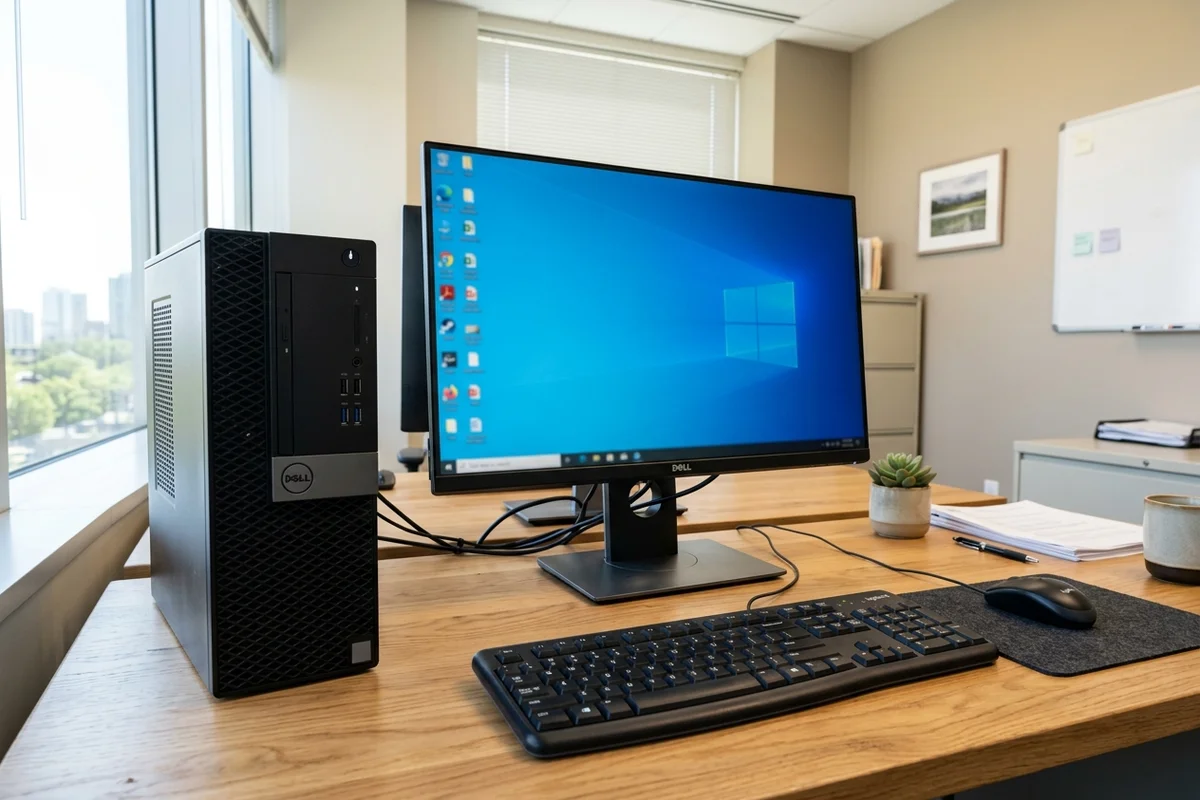
- Data-bearing devices: laptops, desktop towers, tablets, phones and removable storage controlled by IT.
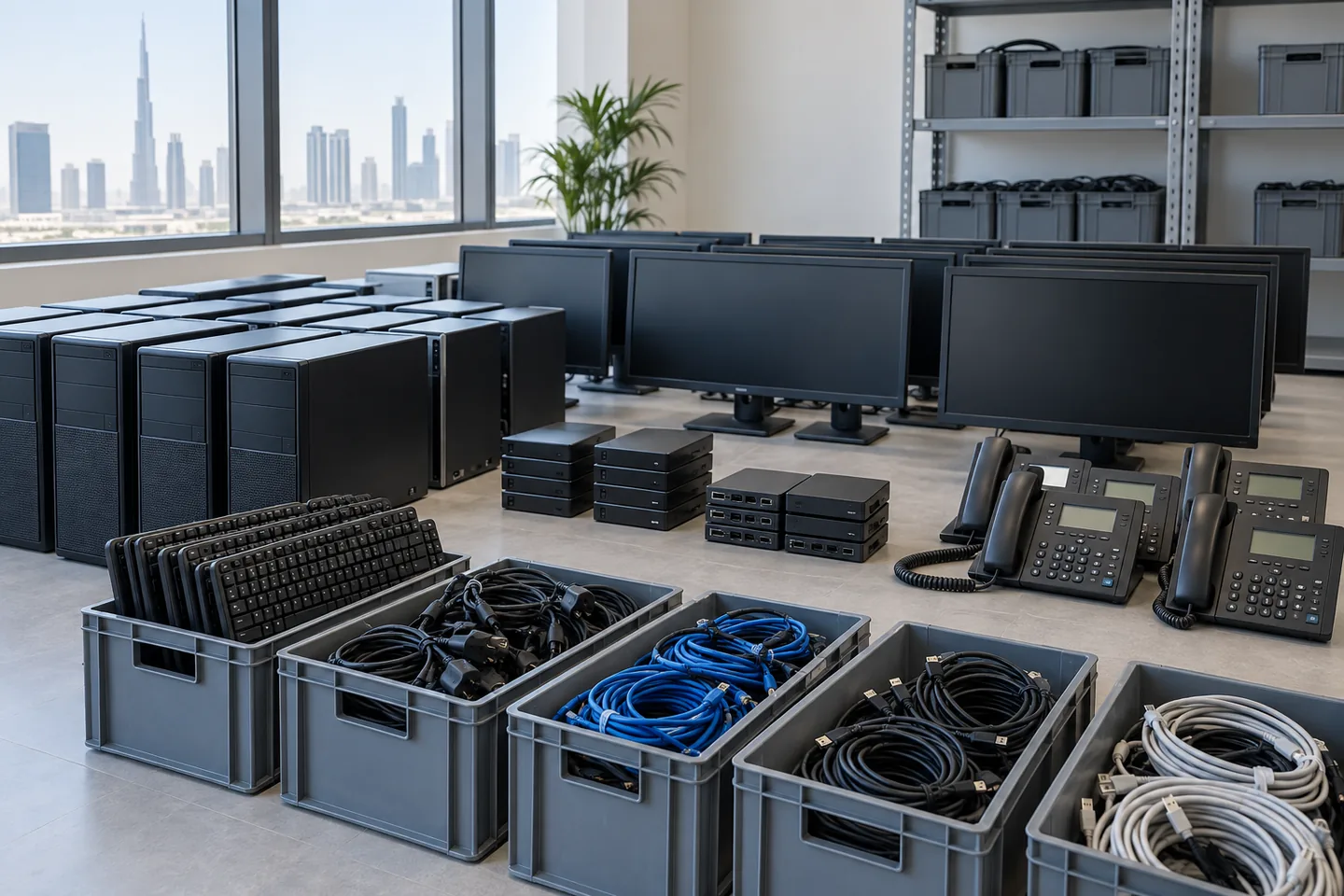
- Display and desk equipment: monitors, docking stations, keyboards, mice, webcams and headsets.
- Communications equipment: desk phones and approved small user-side devices once removed from service.
- Accessories: power adapters, chargers, signal cables and power leads grouped by type rather than tangled around devices.
Do not add server racks, switches, firewalls, backup appliances or live network equipment to this list simply because they are electronic. Those assets can affect the whole business and belong to the later server-and-IT-equipment scope. The same boundary keeps printers and copiers with office equipment disposal unless the IT team deliberately controls them as assets.
Make IT the owner of the release decision
The removal instruction should come from an authorised IT or asset contact, not from the person clearing a storeroom. That contact confirms which devices are obsolete, which are leased, which are held for redeployment and which may leave the premises.
Use the business's existing asset identifiers where they exist. A removal company does not need to invent a new numbering system, but it does need an unambiguous released group. Devices with missing labels or uncertain ownership stay in a hold area until the business resolves them.
Complete backup, account and data decisions before pickup
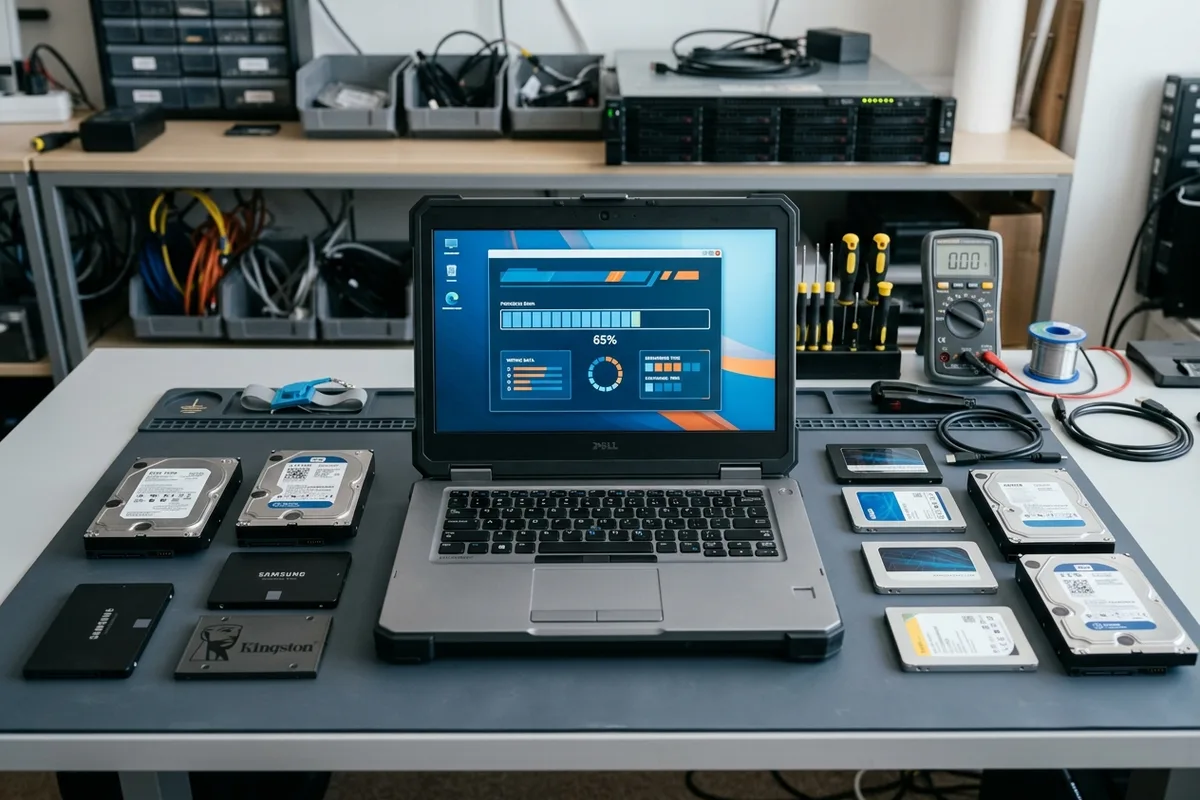
Data work happens before physical collection. The business decides what must be backed up, whether accounts or device-management locks must be removed and what data-sanitisation method is appropriate for each device. The practical sequence in data wiping before electronics disposal helps IT plan that work, but the removal crew should never be asked to make the decision on the business's behalf.
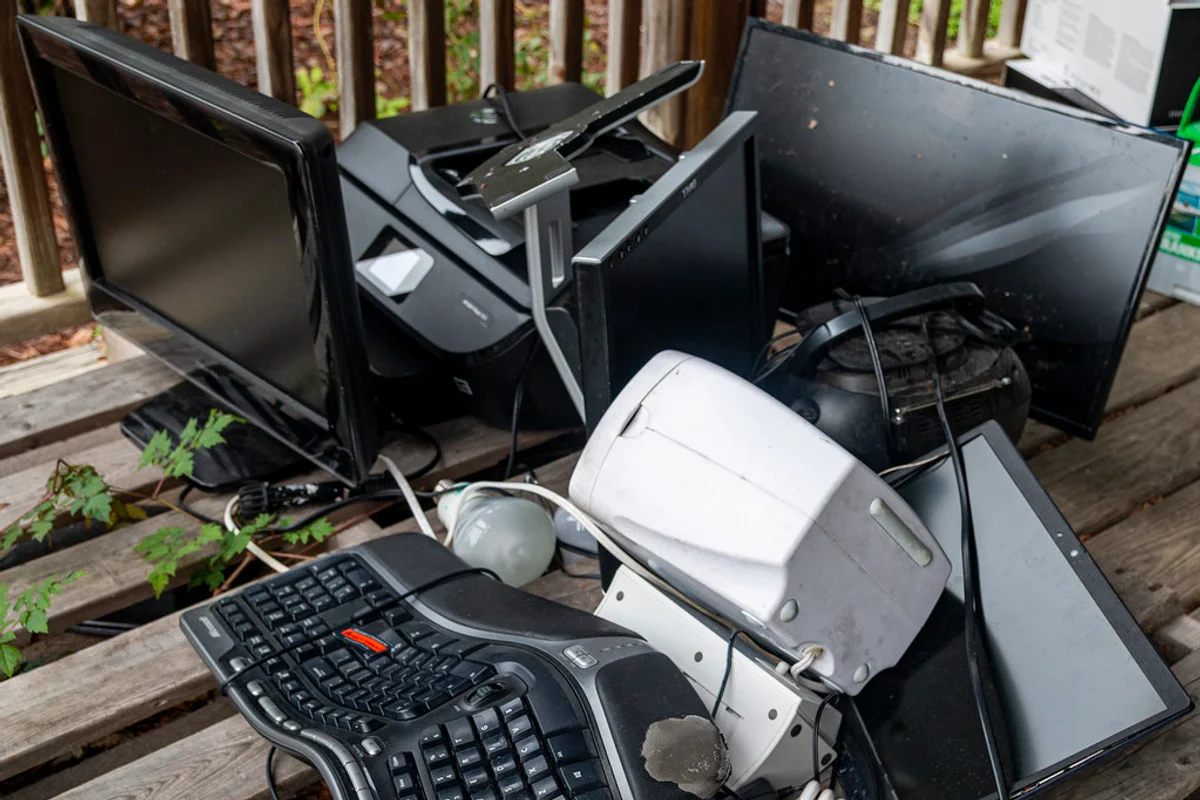
A device is not cleared merely because it no longer starts. Failed laptops, damaged phones and disconnected desktop drives can still contain stored information. Keep them under the same release control as working equipment and record any exception rather than putting it in an anonymous e-waste pile.
Sort and stage electronics after release
Once released, sort equipment by type and keep complete sets where that helps reuse. Monitors travel upright with their stands protected, laptops lie flat in shallow layers and power adapters stay in a separate group unless the receiving route requires them matched to individual devices.
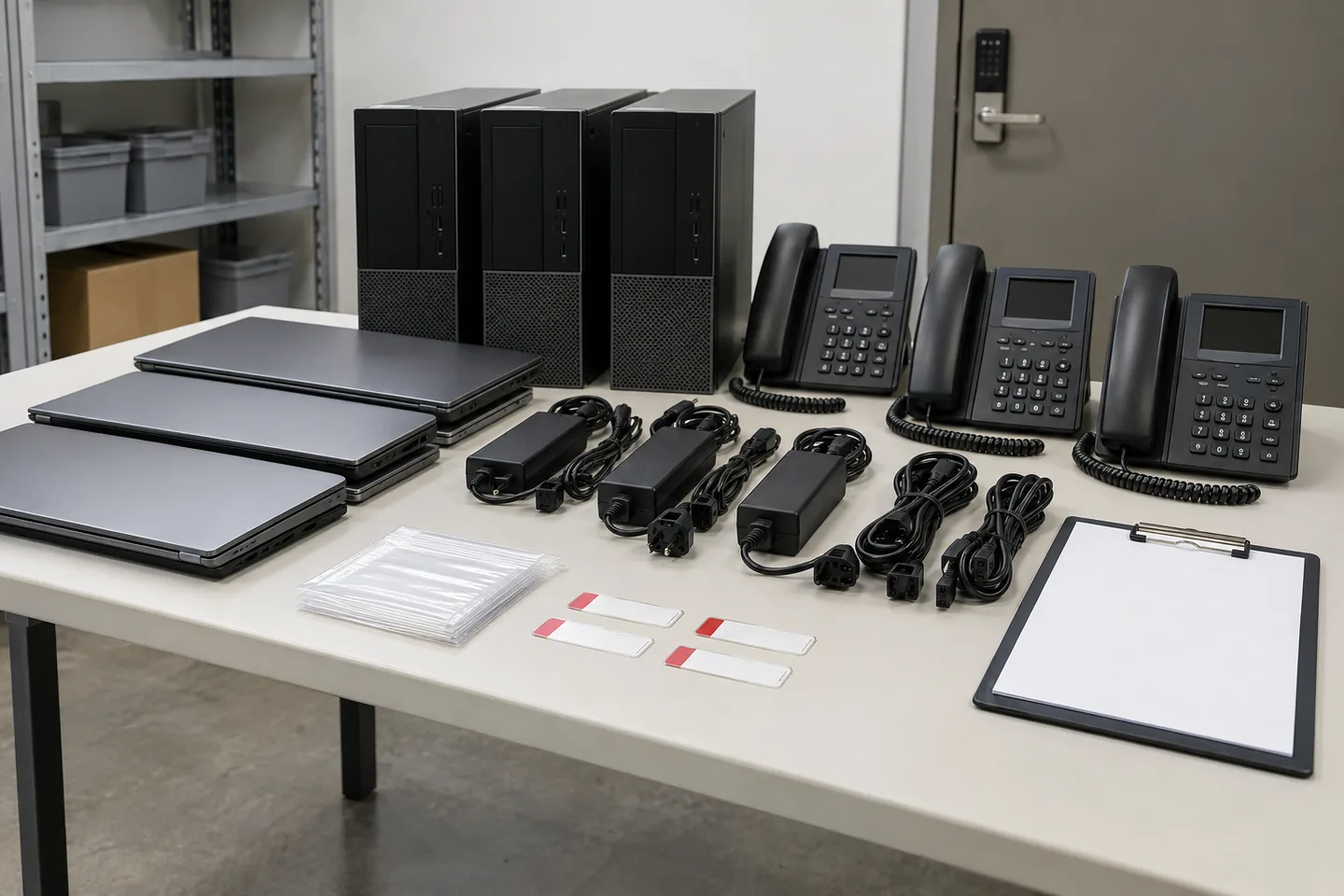
- Move released devices into a locked or supervised staging area away from active equipment.
- Keep held, leased and redeployable assets physically outside the collection zone.
- Separate batteries that are already loose or visibly damaged and disclose their condition at booking.
- Count each device category and accessory group against the approved release list.
- Record the handover using the level of detail the business agreed before collection.
Do not stack electronics in shared corridors or beside an unlocked loading bay while waiting for the vehicle. In an office tower in DIFC, the goods-lift booking may be precise, but the assets should stay controlled inside the office until the route is open and the receiving crew is ready.
Agree the collection record before the day
Some businesses need only category counts; others need asset-level confirmation against their own list. Agree that requirement before quoting because scanning, checking and exception handling take time. State who signs the release and what happens if the crew finds an unlisted device in the collection area.
Office electronics disposal is controlled when IT owns the release, uncertain assets stay out of the load and the physical handover matches the approved record. Sorting the hardware matters, but the decisive step is making sure every device is authorised to leave before it reaches the goods lift.