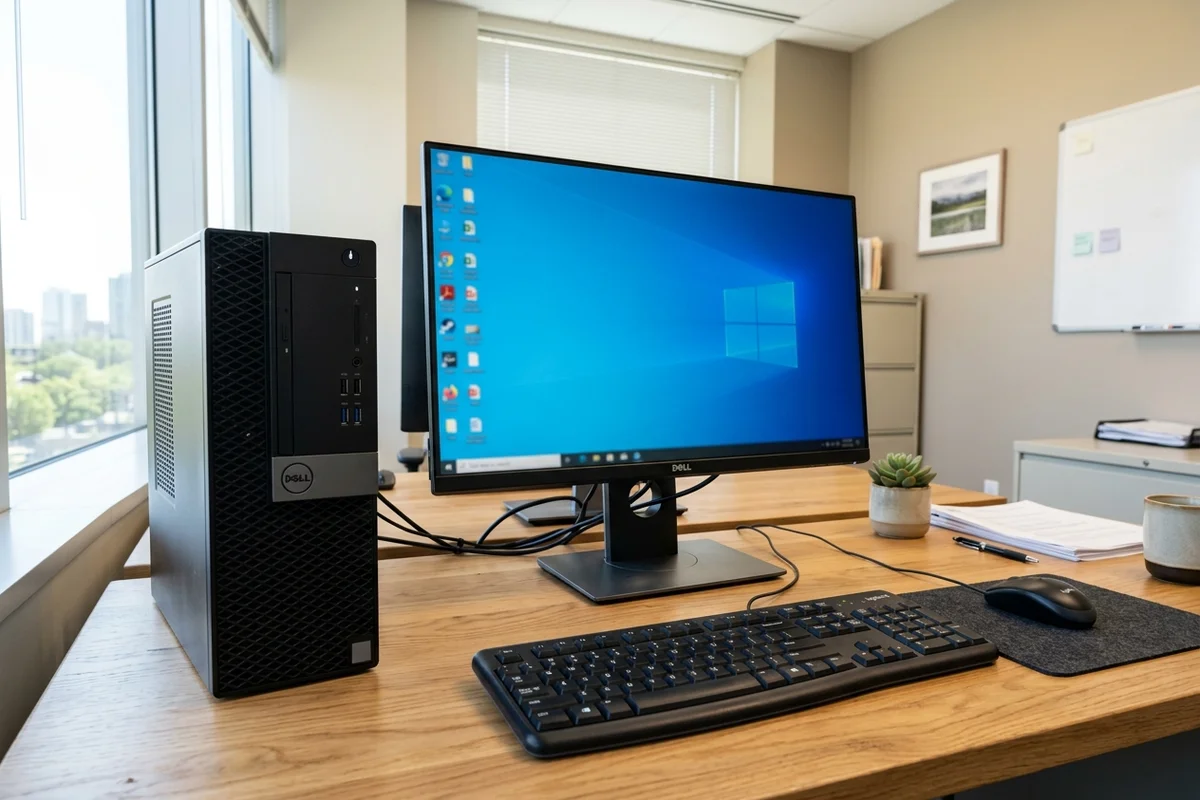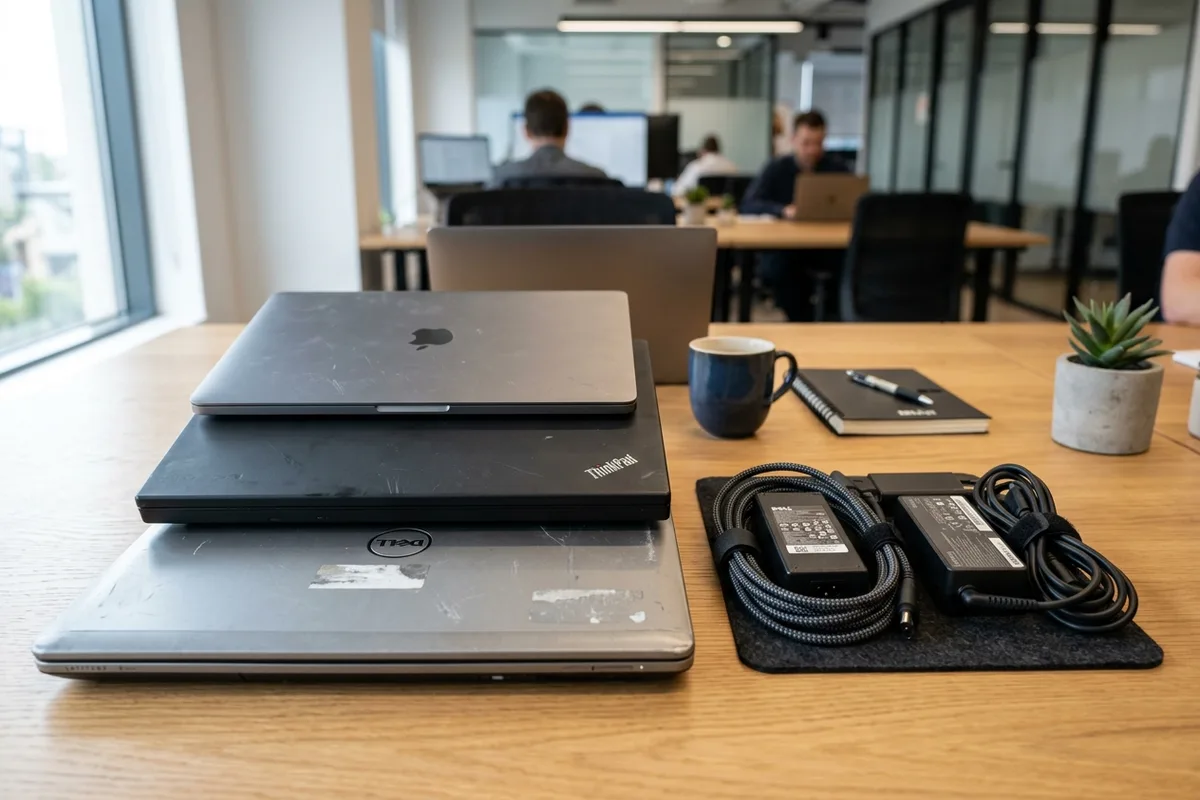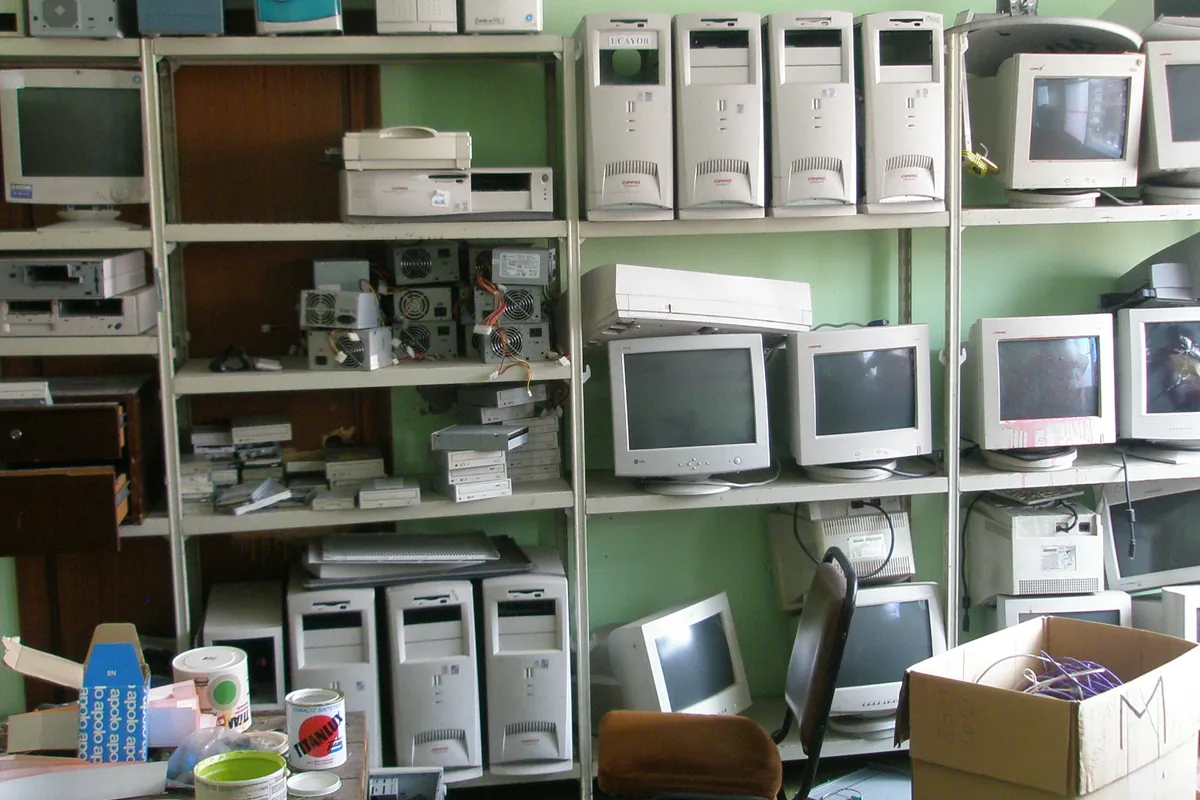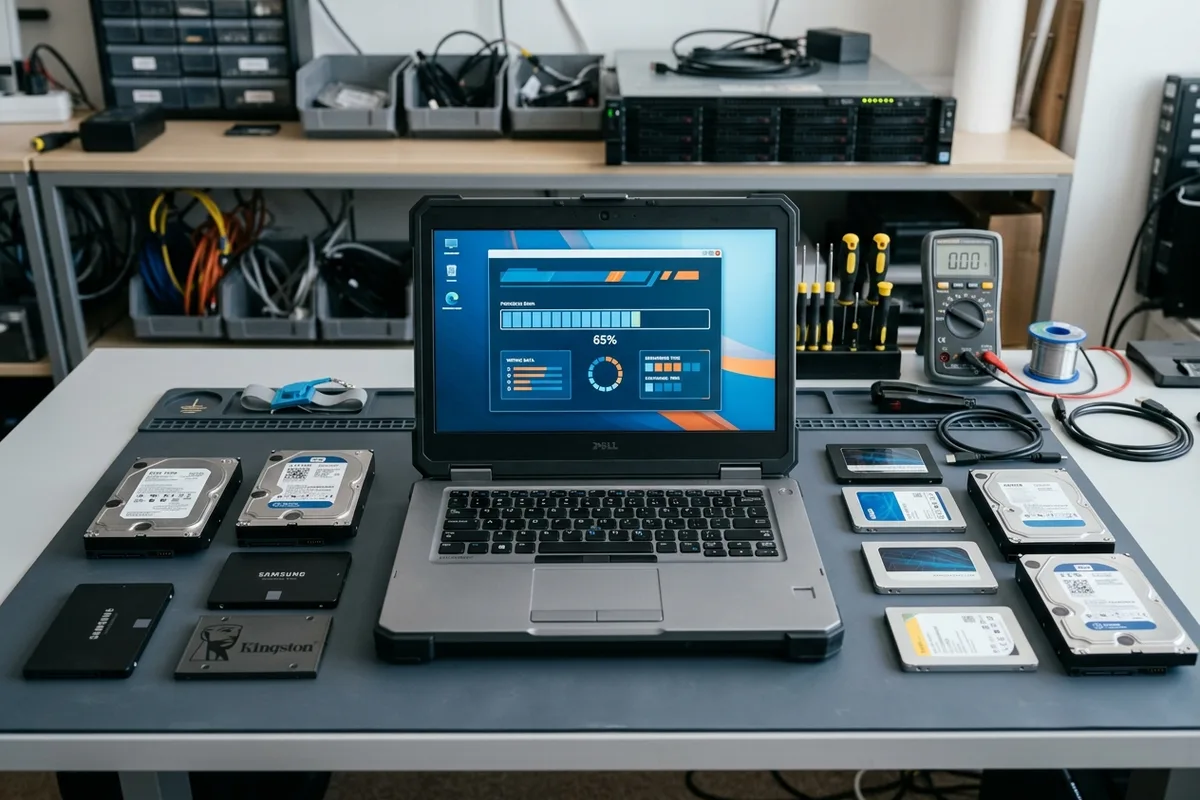
Before handing over surplus computers, laptops, smartphones, or network storage to an e-waste collection service in Dubai, data wiping before disposing electronics is an essential security measure that cannot be overlooked. Discarded storage devices frequently contain years of sensitive personal documents, financial statements, Emirates ID scans, saved browser passwords, and confidential corporate communications that could easily be recovered if hardware is handed over intact without proper sanitization.
The Dangerous Myth of 'Delete' and Quick Formatting
A widespread misconception among computer users is that dragging files into the Recycle Bin, emptying the trash, or running a standard 'Quick Format' permanently eliminates data. In reality, these standard operating system actions merely remove the filesystem directory pointers and file allocation tables that tell the operating system where data resides. The underlying raw magnetic or flash memory blocks containing your data remain completely intact on the physical storage platters or silicon dies.
Anyone equipped with readily available, open-source file carving and data recovery software can reconstruct formatted files within minutes. True data sanitization requires actively replacing the recorded data blocks with random characters or zeroes, or destroying the cryptographic keys that govern drive decryption.
SSD vs Magnetic HDD: Why Sanitization Methods Differ
The physical architecture of your storage media dictates the exact sanitization procedure required before hardware disposal:
- Traditional Magnetic HDDs (Mechanical Hard Drives): Store data as magnetic orientations across rotating platters. Securely wiping an HDD requires overwriting every addressable sector with zeros or pseudorandom binary patterns (following protocols such as NIST SP 800-88 Clear or multi-pass Department of Defense overwrite standards).
- Solid-State Drives (SSDs, NVMe M.2, and eMMC Flash): Use NAND flash memory managed by an internal controller with wear-leveling algorithms. Overwriting specific sectors from an external OS often fails because the drive controller continually remaps logical blocks. Instead, SSDs require hardware-level ATA Secure Erase or NVMe Format commands that trigger a flash-voltage purge across all cells.
- Cryptographic Erasure (Crypto Erase): If a drive was encrypted with BitLocker, FileVault, or LUKS throughout its lifecycle, securely erasing the master encryption key renders the remaining encrypted ciphertext mathematically impossible to reconstruct, taking only seconds to execute.
The 4-Step Device Sanitization Protocol
Before placing any computer, tablet, or smartphone in an e-waste collection bin, execute this standardized 4-step security checklist:
- Step 1: Backup and Cloud Account De-Linking: Back up files to an external drive or cloud service. Crucially, sign out of all cloud ecosystems: remove Apple ID / Find My on macOS/iOS, sign out of Google Account Factory Reset Protection (FRP) on Android/ChromeOS, and de-register Microsoft accounts to ensure the device cannot be reactivated under your name.
- Step 2: Operating System Factory Reset with Drive Cleansing: On Windows, execute 'Reset this PC' and select 'Remove everything' followed by 'Clean the drive' (which performs a zero-overwrite pass). On macOS, use 'Erase All Content and Settings' to destroy cryptographic keys and restore factory defaults.
- Step 3: Dedicated Wiping Tools for Standalone Storage: If sanitizing loose SATA or external USB drives, boot from an open-source sanitization USB tool (such as DBAN or ShredOS) to execute an automated multi-pass wipe across the whole physical drive.
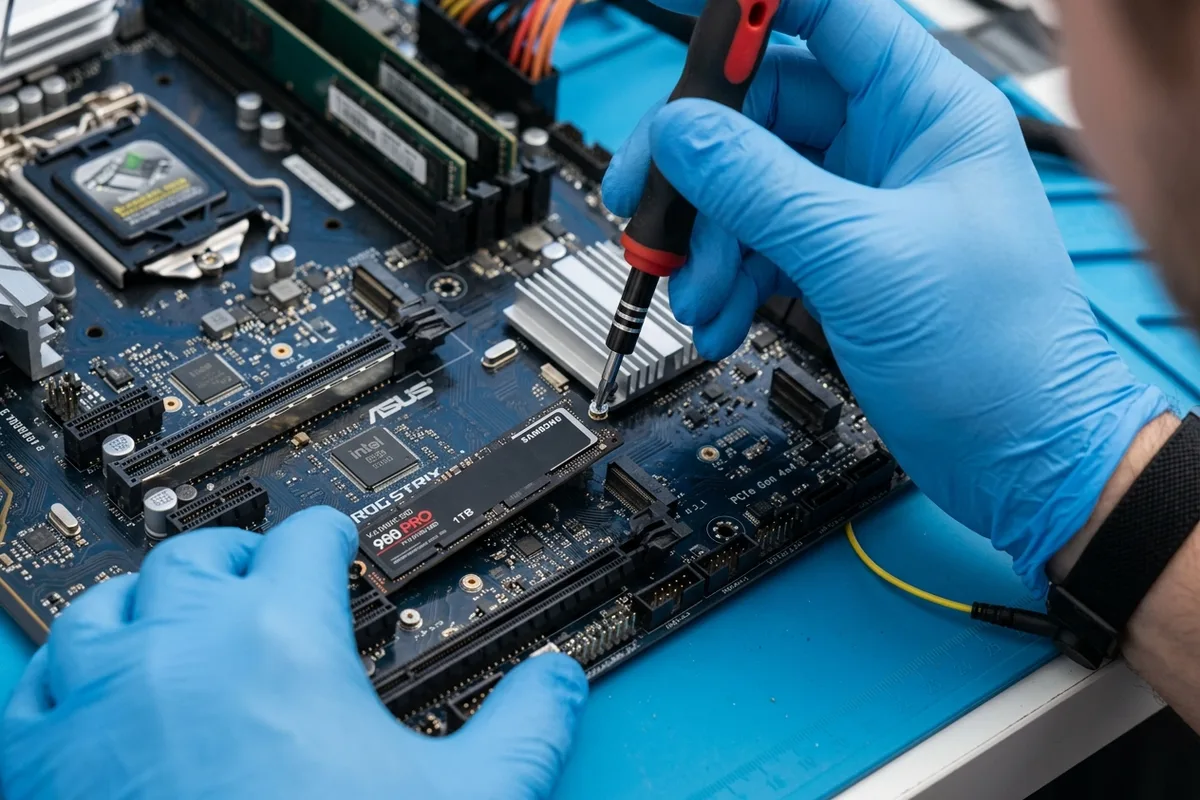
- Step 4: Physical Removal When Hardware Fails to Boot: If a computer motherboard, graphics card, or power supply is dead and will not power on, you cannot execute software wiping. In this scenario, unscrew the chassis, physically extract the M.2 SSD or hard drive, and retain the drive in your possession or physically destroy it with a power drill through the memory chips.
Hidden Storage: Smart Appliances, Printers, and Routers
Many homeowners overlook the fact that computers and phones are not the only devices storing sensitive data. Modern office multifunction printers, smart home hubs, Wi-Fi routers, and smart refrigerators with touchscreens contain internal flash storage or hard drives that retain your home Wi-Fi passwords, cached photocopies, and email accounts.
Before disposing of an office printer, access the admin settings menu to execute a 'Restore Factory Defaults' and perform a hard disk sanitization if equipped. For Wi-Fi mesh routers and smart appliances, press and hold the physical recessed reset pin for 15–30 seconds to wipe all stored network credentials and saved user profiles.
Corporate IT Asset Disposition (ITAD) Compliance in Dubai
For enterprises operating in DIFC, Dubai Silicon Oasis, Dubai Media City, and mainland commercial districts, corporate data governance requires strict compliance with federal data privacy laws and internal risk policies. Businesses cannot rely on informal employee resets.
Corporate IT decommissions require contracted ITAD partners who provide serialized chain-of-custody tracking, tamper-evident transit security, and verifiable Certificates of Data Sanitization or Destruction adhering to NIST SP 800-88 standards. Any storage media that fails electronic sanitization is shredded into 20mm cross-cut fragments before metal smelting.