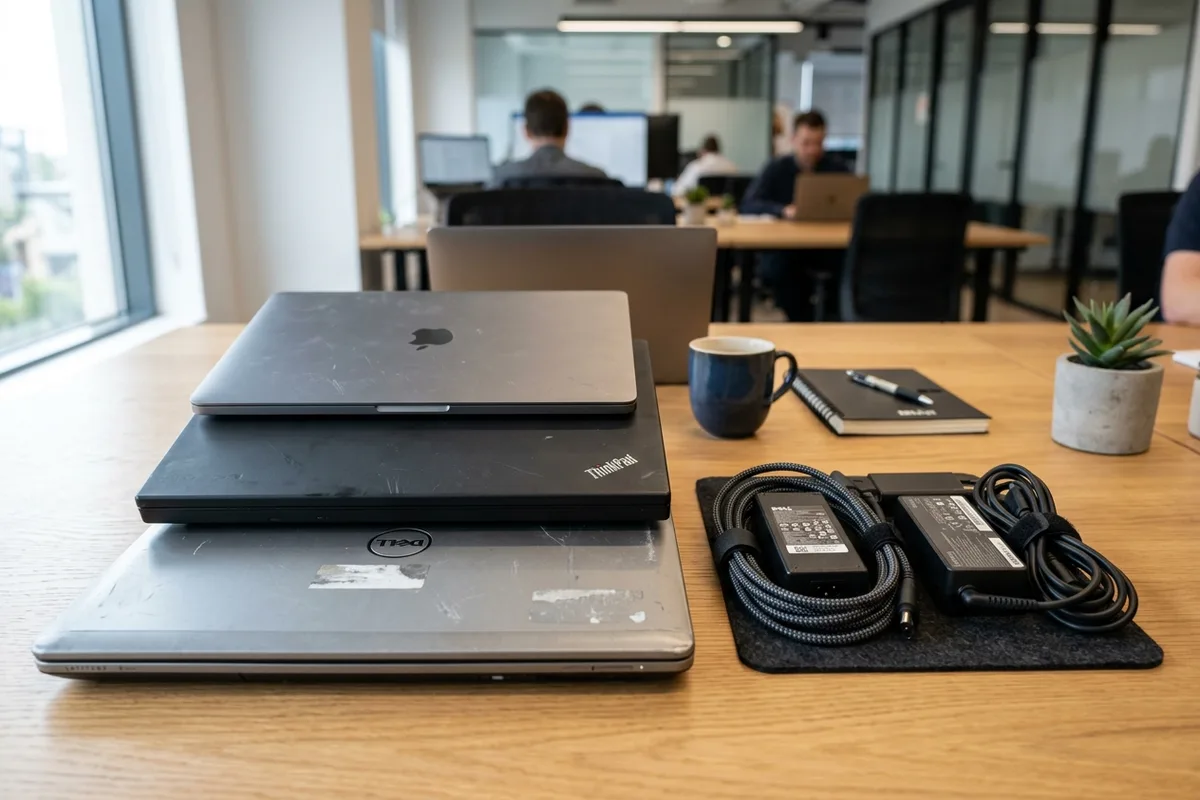
Whether upgrading a personal notebook or decommissioning dozens of employee work laptops during a corporate IT asset refresh in Dubai, portable computers present unique disposal requirements. Unlike desktop towers that use robust steel casings and separate peripherals, a laptop integrates high-density printed circuit boards, backlit display panels, and high-energy lithium-ion batteries into a single slim enclosure. Disposing of old laptops responsibly requires managing data security, battery fire risks, and specialized material recovery.
Lithium-Ion Battery Safety: The Primary Disposal Risk
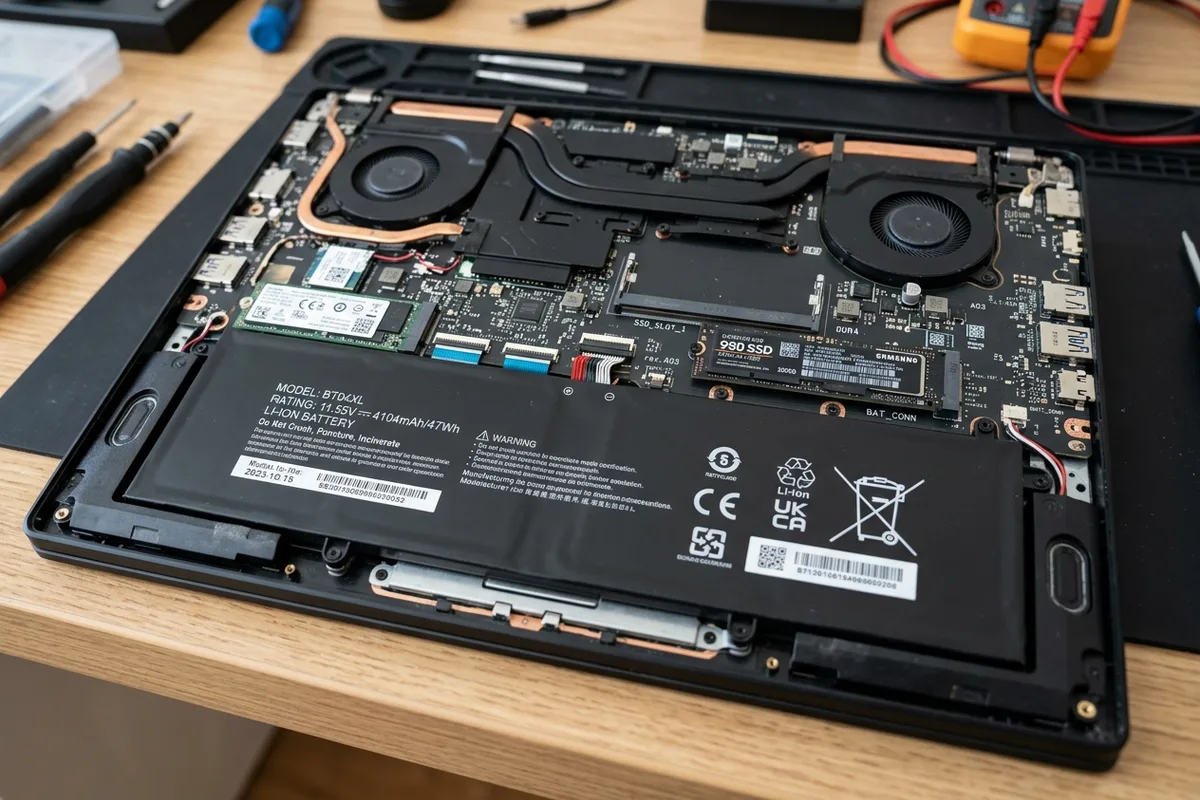
The rechargeable lithium-ion or lithium-polymer battery inside every laptop is the most hazardous component during transit and processing. In Dubai's ambient heat, damaged, aged, or deeply discharged lithium batteries can undergo chemical degradation, leading to swelling (often noticeable when a laptop's trackpad or bottom casing bulges upward).
Puncturing or crushing a swollen laptop battery inside a municipal waste truck or refuse compactor creates an immediate thermal runaway fire risk. For this reason, laptops are strictly prohibited from general garbage chutes and communal waste dumpsters. Units with visibly swollen batteries should be handled gently, stored away from direct sunlight or flammable materials, and handed over intact to specialized e-waste handlers.
Data Hygiene: Securing Storage Before Physical Collection
Old laptops frequently store years of personal documents, stored browser passwords, financial records, or confidential company files. Before any device leaves your possession, your storage drive must be sanitized according to your data sensitivity level:
- **Software Factory Reset with Drive Clean:** Built-in operating system resets (such as Windows Cloud Reset with 'Clean the drive' enabled or macOS Erase All Content and Settings) overwrite user directories and reset encryption keys, making casual data recovery impossible.
- **Cryptographic Drive Erasure:** For higher security requirements, specialized multi-pass disk wiping tools overwrite storage blocks across the entire drive before hardware decommissioning.
- **Physical SSD Removal:** On laptops with modular M.2 NVMe SSDs or 2.5-inch SATA drives, you can unscrew the base panel, unseat the drive, and retain it in your possession. You can then access the files later via a USB enclosure or physically destroy the drive.
- **Soldered eMMC / NVMe Storage:** On ultra-thin modern laptops where flash memory is soldered directly to the motherboard, cryptographic erasure or whole-board certified destruction is the standard sanitization path.
Damaged Hardware, Cracked Displays, and Peripherals
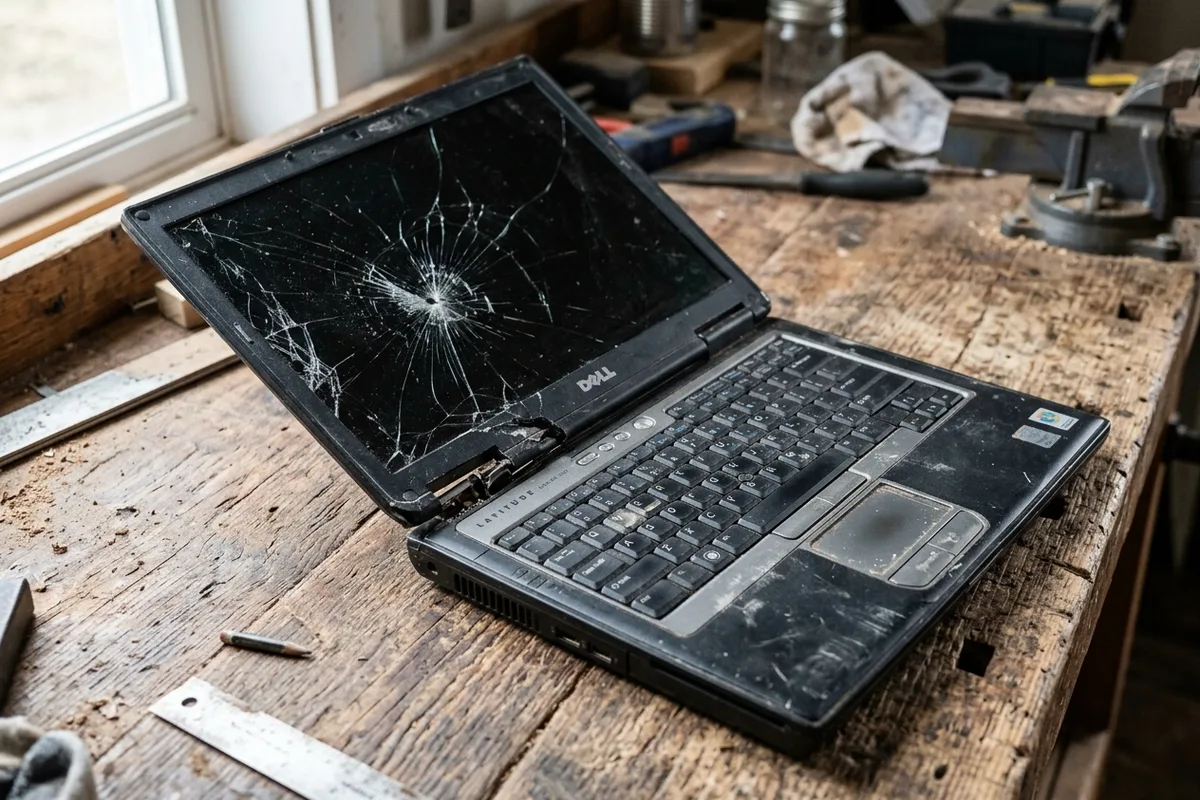
Laptops scheduled for disposal often have physical defects: snapped screen hinges, non-responsive keyboards, water damage, or shattered LCD/OLED glass displays. These units can still be collected and processed without issue.
When preparing laptops for collection, bundle all associated accessories together. Power charging bricks, AC cords, external USB docking stations, and laptop sleeves can be handed over in the same collection. Copper transformer windings in charging adapters have high scrap recovery value and are recycled alongside the computer hardware.
Corporate IT Asset Decommissioning vs Residential Clearouts
For private residents in Dubai villas or apartments, laptop disposal usually involves one to three surplus machines stored in a drawer after tech upgrades. Booking a combined small e-waste collection—grouping laptops with old tablets, phones, and chargers—is the most efficient solution.
For commercial enterprises, co-working hubs, and business offices in DIFC, Business Bay, or Dubai Internet City, IT asset disposition (ITAD) requires documented chain of custody, asset tag tracking, and serial number logging for corporate compliance audits before equipment is routed for smelting and destruction.
Material Recovery: What Is Reclaimed from Decommissioned Laptops
Laptops represent some of the highest-grade electronic scrap by weight due to the concentration of precision components inside miniature form factors:
- **High-Grade Motherboards:** Laptop circuit boards yield significant concentrations of industrial gold, silver, copper, and palladium per ton compared to standard industrial e-waste.
- **Structural Casings:** Machined anodized aluminium, magnesium alloys, and polycarbonate chassis plastics are sorted, shredded, and fed back into industrial manufacturing feedstocks.
- **Cooling Systems:** Sintered copper heat pipes, vapour chambers, and micro-fans are detached and sent directly to non-ferrous metal refiners.
- **Display Assemblies:** Backlight diffuser sheets, polarizer films, and indium tin oxide (ITO) glass coatings are processed under controlled filtration systems to safely separate technical glass.