Whether upgrading home office workstations or clearing dozens of obsolete desktop PCs during a corporate IT refresh in Dubai, throwing computers into communal rubbish chutes or roadside bins is prohibited. Beyond the environmental damage caused by heavy metals and flame retardants in electronic waste, computers contain sensitive personal, financial, and business data that must be secured before hardware leaves your custody.
Why computers require dedicated e-waste handling in Dubai
Computers are complex assemblies of engineered plastics, ferrous steel cases, aluminium heat sinks, copper wiring, and multi-layered printed circuit boards (PCBs). Circuit boards contain microscopic amounts of precious metals like gold, silver, and palladium, alongside regulated elements like lead solder and brominated flame retardants.
When dumped into general municipal waste, these materials are lost to landfills. Responsible electronic recycling channels systematically dismantle computers to recover valuable raw materials and prevent hazardous leaching.
Storage drive hygiene before hardware leaves your hands
The physical computer casing and components are recyclable, but the digital data stored inside is your ongoing legal and personal responsibility. Before handing over any computer for disposal, data storage devices must be properly addressed.
Magnetic mechanical drives vs solid-state drives
Older desktop towers often contain 3.5-inch magnetic Hard Disk Drives (HDDs), while newer desktops and laptops rely on solid-state drives (SSDs) or NVMe cards mounted directly onto the motherboard. Simply dragging files to the trash bin or formatting a drive does not erase the underlying binary sectors.
Physical drive retention vs software sanitization
For maximum peace of mind, the simplest option for homeowners and small businesses is to unscrew the side panel of the PC tower, unclip the hard drive cables, and keep the physical drive in your possession. You can then access the data later via an external USB dock or destroy the drive physically.
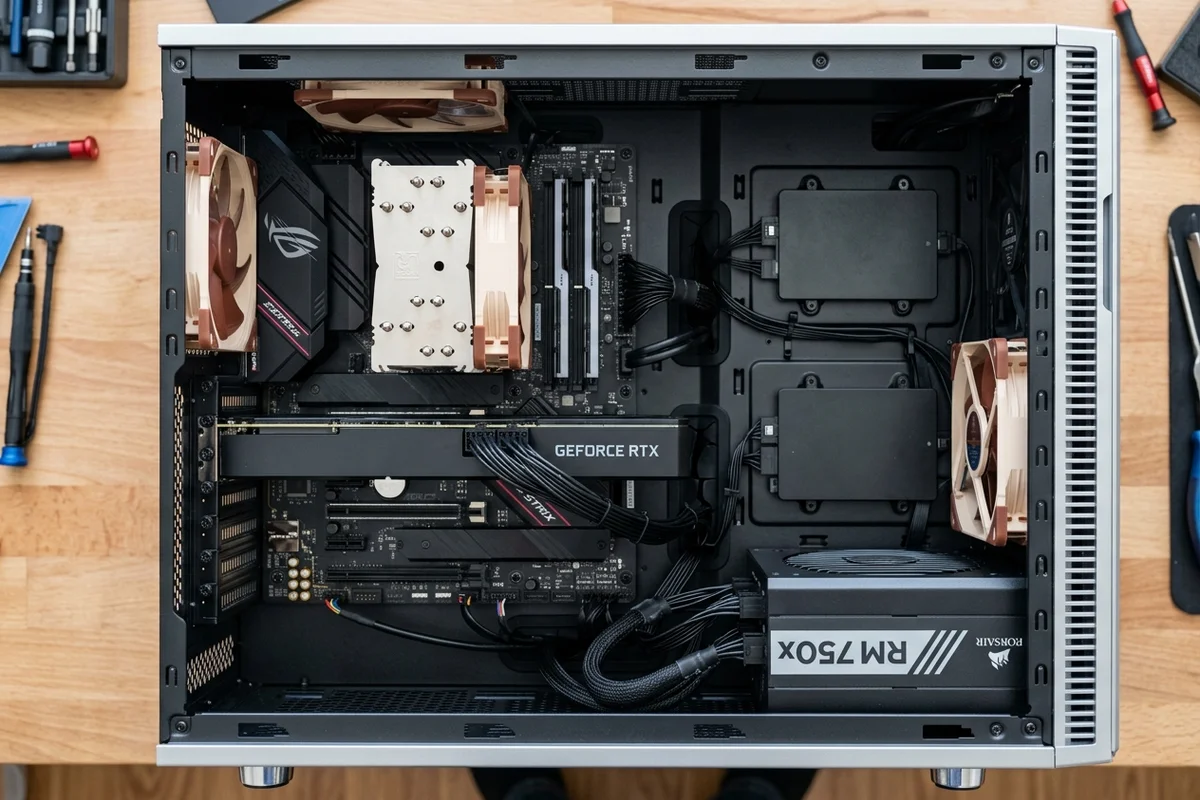
If you plan to leave drives inside the computer, perform a full cryptographic factory reset or use specialized disk sanitization tools that overwrite the entire drive with random binary patterns rather than a quick OS format.
Tower chassis, power supplies, and peripheral bundles
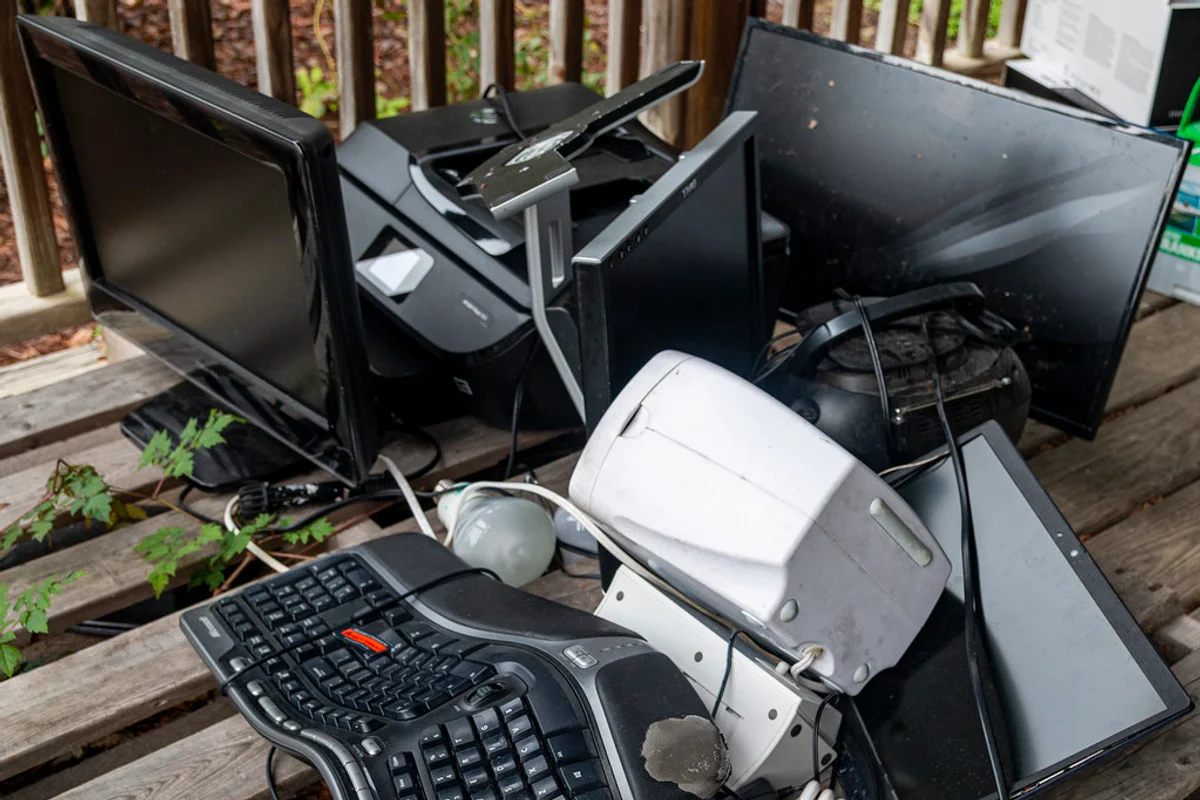
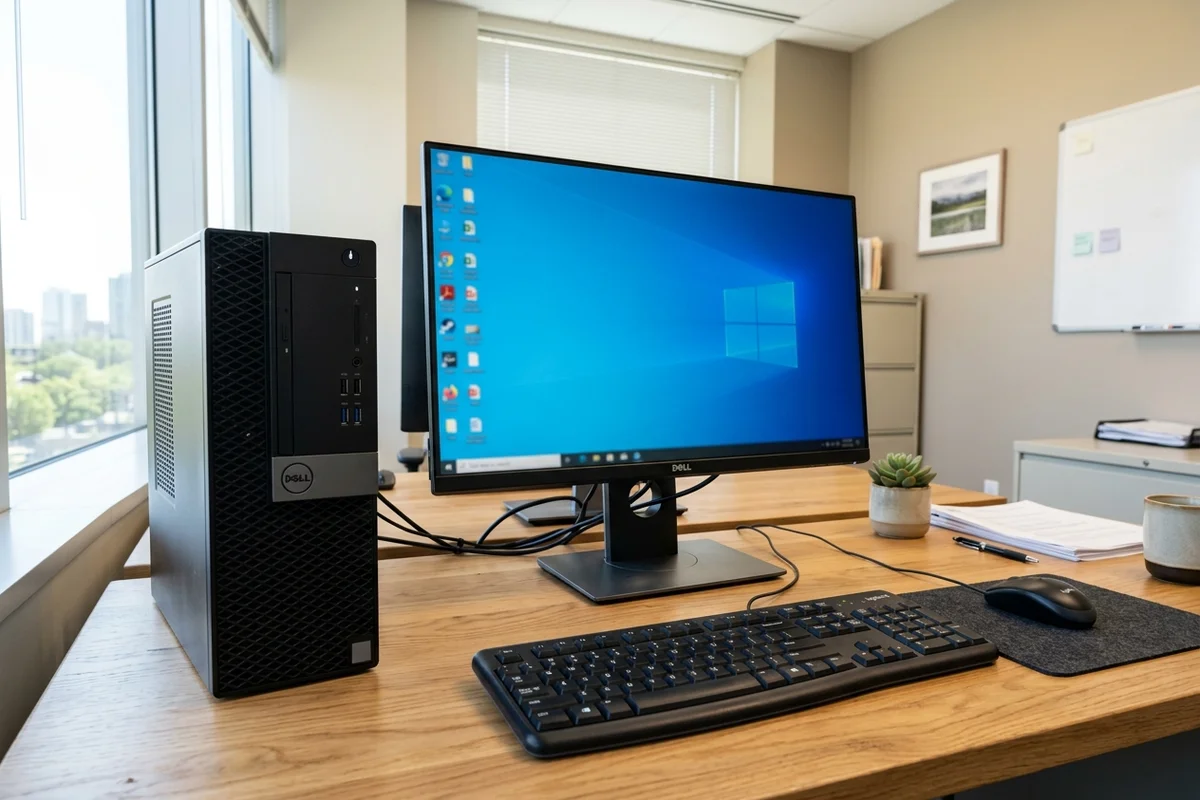
A computer disposal pickup is rarely just a tower. Workstation setups accumulate a substantial bundle of connected accessories that should be prepared together:
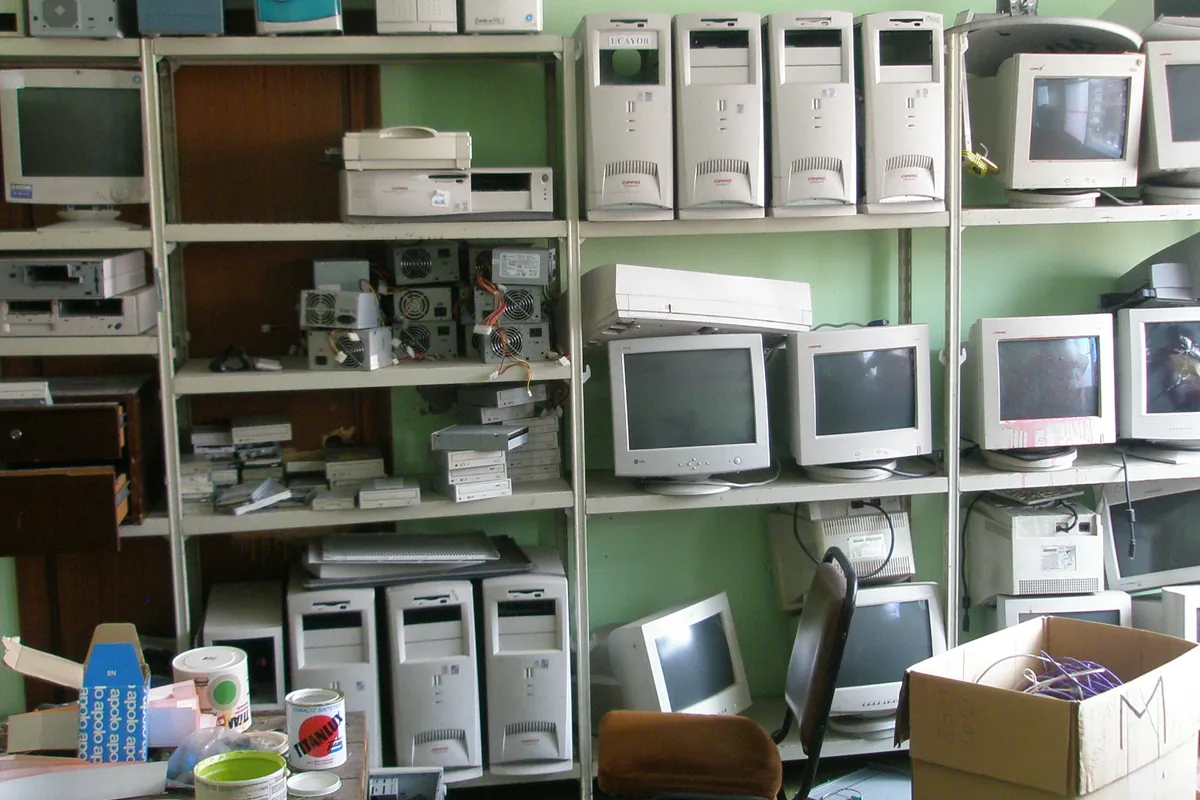
- Desktop towers and mini-PCs with internal power supply units and cooling fans.
- LCD and LED computer monitors, noting that cracked screens should be wrapped to prevent glass shards escaping.
- Peripherals including keyboards, mice, webcams, desktop speakers, and external hard drive enclosures.
- Cables, HDMI cords, power bricks, and Uninterruptible Power Supply (UPS) units containing sealed lead-acid backup batteries.
Corporate IT decommissions vs residential single units
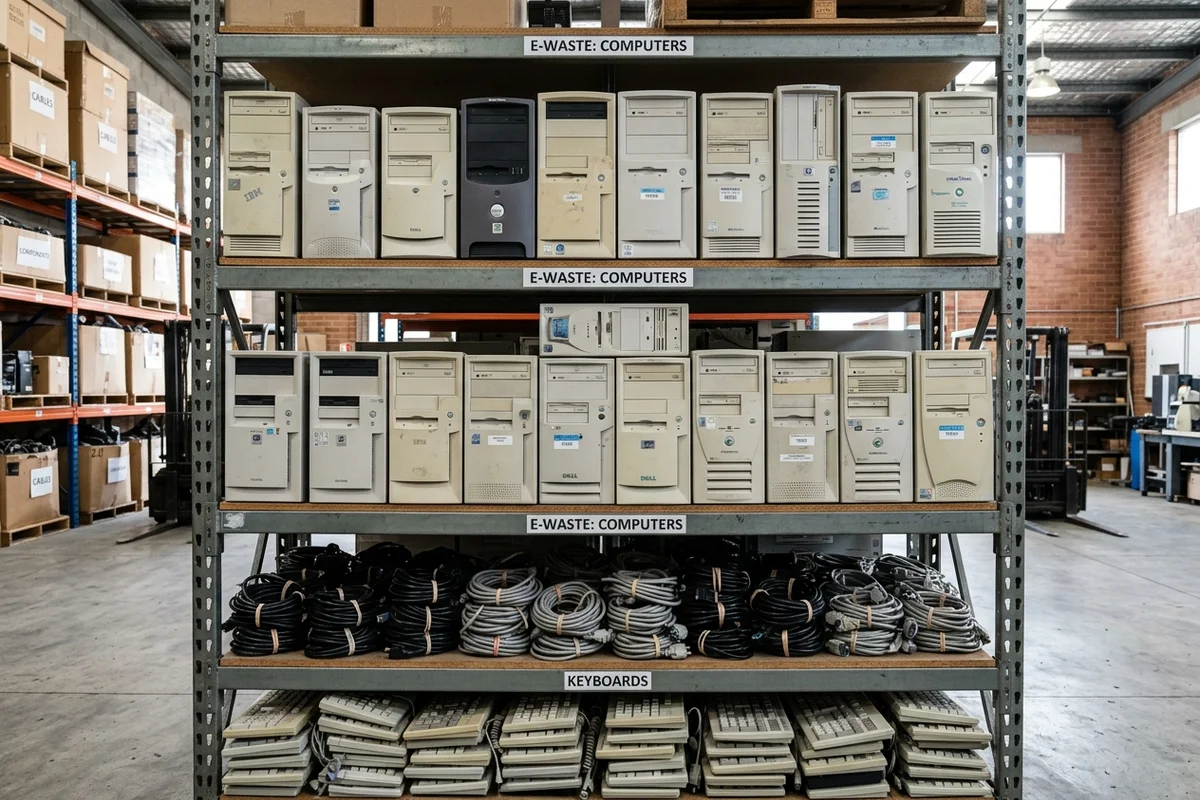
A homeowner disposing of one or two obsolete family desktop PCs can easily bundle the tower, monitor, and keyboard for a standard same-day e-waste collection. Commercial offices, business centres, and co-working spaces in areas like DIFC, Business Bay, and JLT often replace 20 to 100 workstations at once.
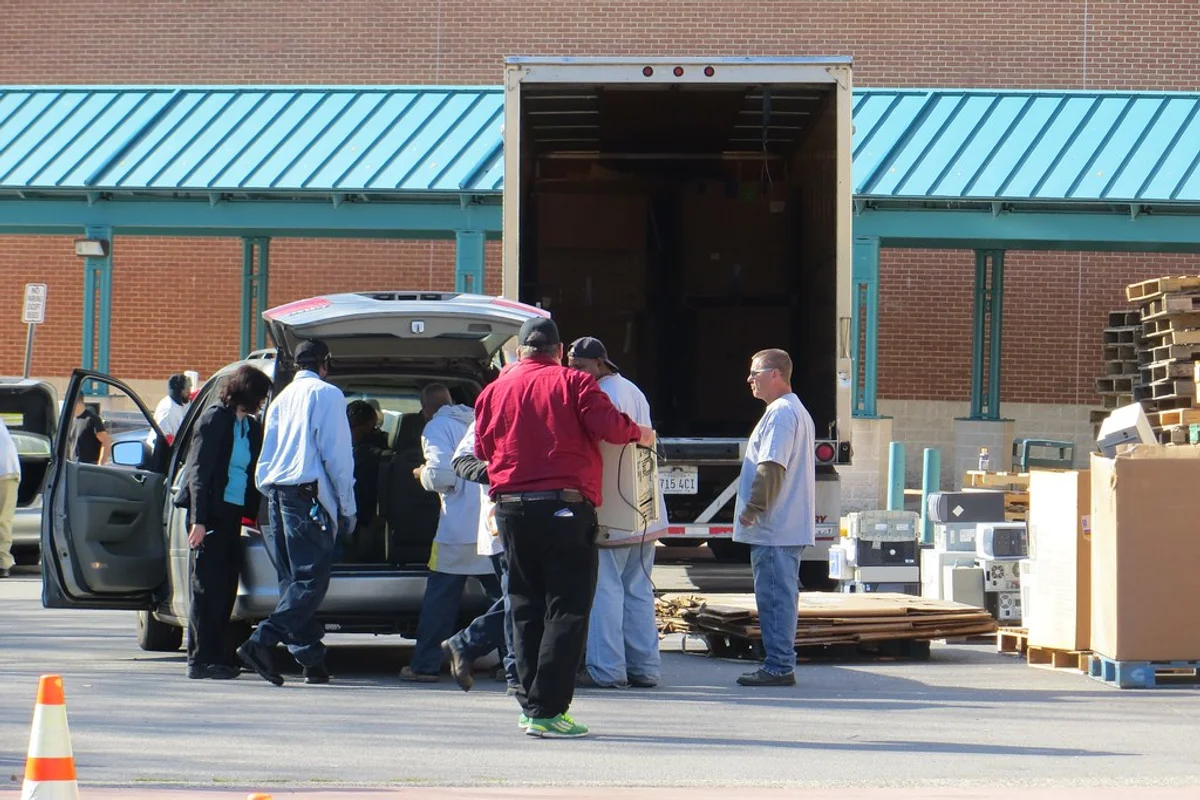
Large office decommissions benefit from scheduling removal during building loading bay hours and coordinating service elevator bookings. Listing the inventory count (e.g. 15 towers, 20 monitors, 3 network switches) when booking ensures the collection crew brings appropriate transport cages and van capacity.
Where decommissioned computers go after pickup
Collected computers are routed to specialized electronic recycling facilities. Steel and aluminium cases are separated and shredded for metallurgical smelting. Circuit boards are sorted by grade and sent to certified refiners where copper, gold, and other trace metals are chemically recovered.
By ensuring your data is secured and booking a dedicated electronic collection, you keep hazardous substances out of landfills and ensure obsolete technology is recycled responsibly.