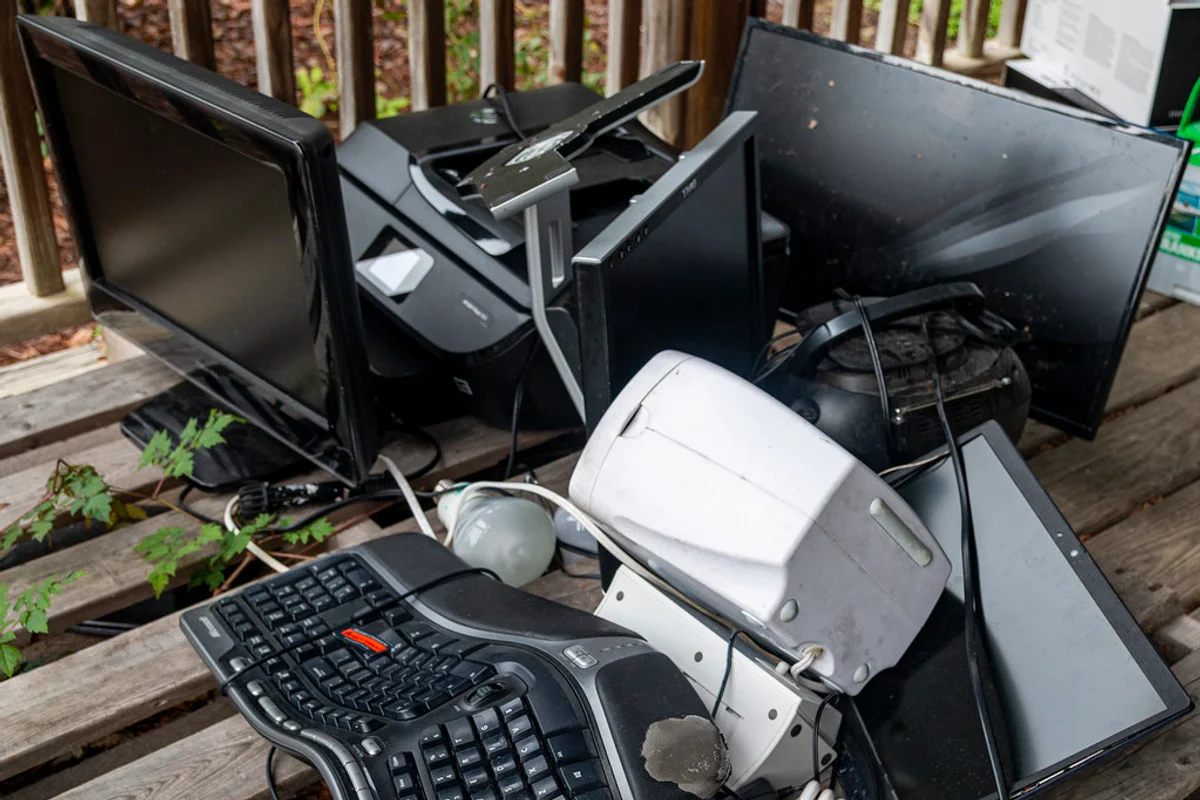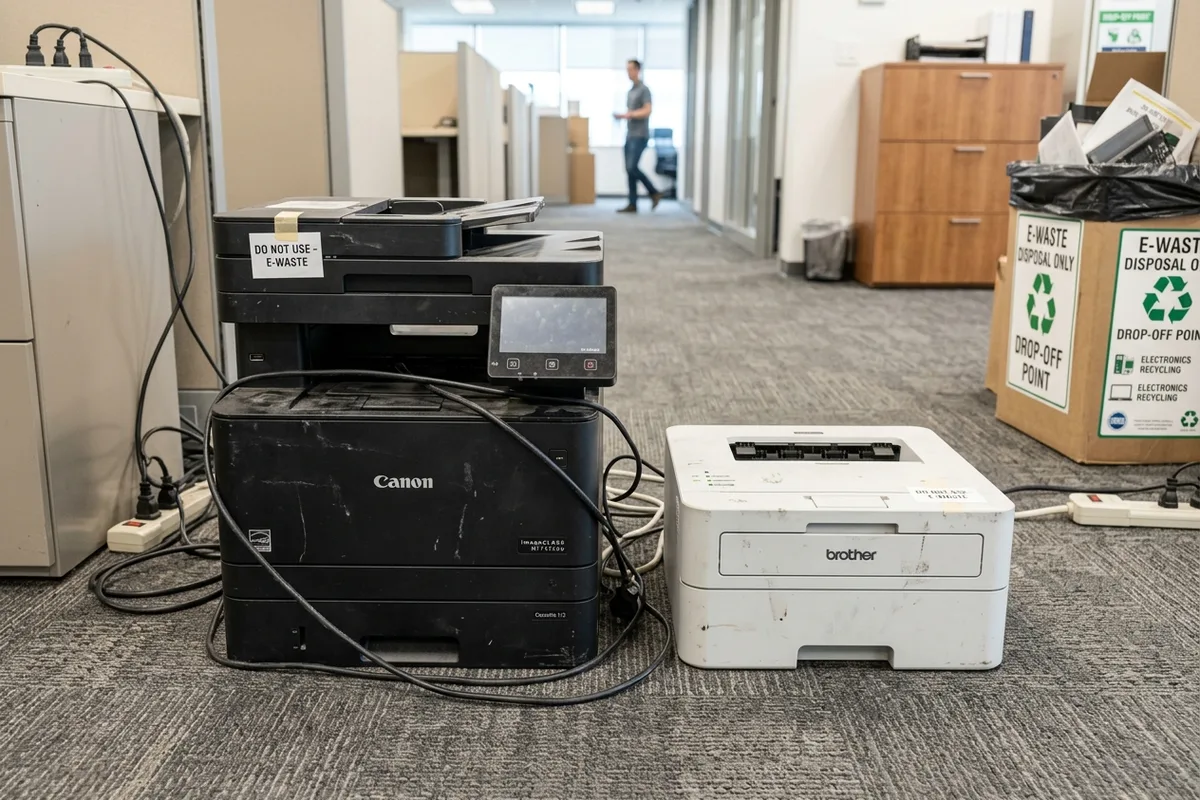
Printers, photocopiers, and multifunction scanning units are among the most common pieces of surplus hardware left behind during home office cleanouts and corporate relocations in Dubai. However, printers require more preparation than standard electronic devices because they contain mechanical moving parts, optical glass platens, and messy consumable reservoirs—liquid ink cartridges and powdered toner canisters that can rupture during transit if not handled properly.
Consumables First: Removing Ink and Toner Cartridges
Before any printer leaves a home or workplace, the internal consumable reservoirs must be addressed. Leaving full or partially used cartridges inside a printer during lifting, tilting, and vehicular transport frequently causes internal spills that ruin recyclable plastic housings and contaminate transit vehicles.
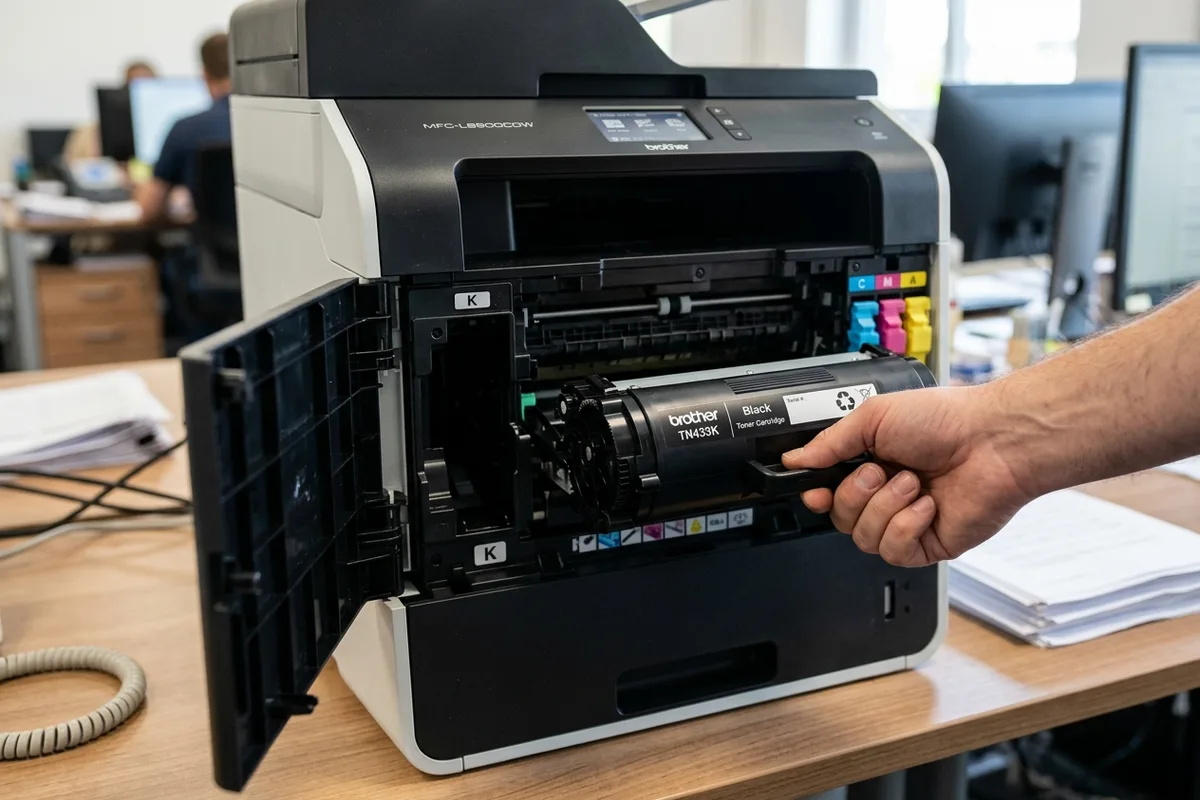
- **Laser Toner Cartridges:** Laser printers use micro-fine toner powder consisting of granulated plastic polymers, iron oxide, and carbon black. If a cartridge cracks, this fine dust disperses easily into the air. Open the front maintenance hatch, release the locking levers, and slide toner cartridges and waste toner bottles out into plastic bags.
- **Inkjet Cartridges & Tanks:** Liquid ink cartridges and continuous ink supply system (CISS) tanks should be unlatched and capped. Inkjet printheads contain residual liquid that can leak when the printer is tilted onto a hand trolley.
- **Imaging Drum Units:** Optical photo-conductor (OPC) drums contain sensitive semiconductor coatings and should be kept seated or packaged carefully if being salvaged for separate refurbishment.
Desktop Home Printers vs Commercial Floor-Standing Copiers
The physical logistics of printer clearance depend heavily on machine class. A compact desktop inkjet printer weighs between 4 kg and 9 kg and can be carried by hand in a single trip. Disposing of one is straightforward, though because of its small size, bundling it with other electronic waste or household appliances helps meet standard collection minimums.
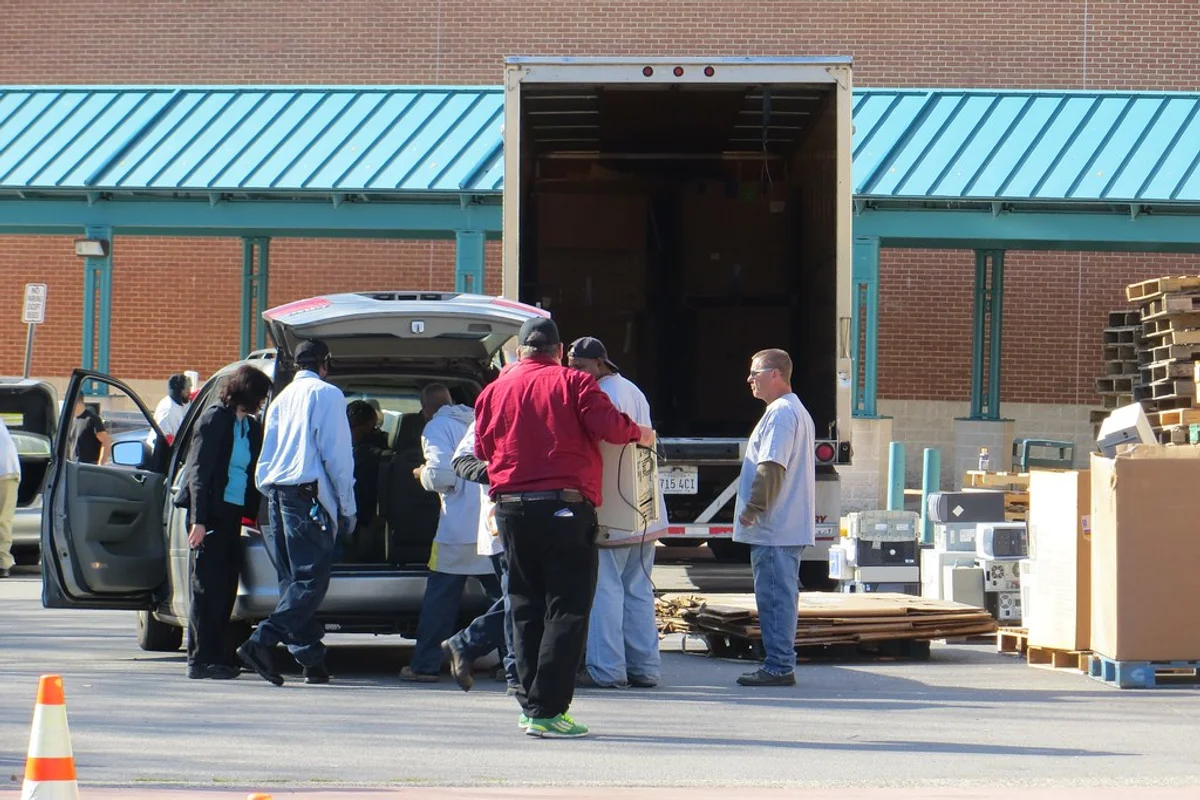
Commercial multifunction copiers (MFPs) found in Dubai office buildings are completely different machines. Enterprise floor-standing copiers weigh anywhere from 60 kg to over 140 kg, featuring internal steel chassis, automated document feeders, heavy bypass paper trays, and sorting finisher units. These units require heavy-duty appliance dollies, ramps, and service elevator access permits to navigate corporate tower lobbies safely.
Flatbed Scanner Glass and Transit Precautions
Multifunction printers feature an upper flatbed scanner with a tempered optical glass platen. While durable during normal copying, the glass can shatter if heavy objects are stacked on top during transport.
To prepare a printer for collection, tape down the scanner lid and paper feed trays with painter's tape or masking tape. This prevents hinged plastic panels and scanner arms from swinging open in stairwells or lift corridors. Remove all plain paper from input cassettes to reduce unnecessary deadweight.
Internal Hard Drives on Enterprise Multifunction Copiers
Many businesses forget that modern enterprise multifunction copiers contain internal mechanical hard drives or solid-state memory. These drives store temporary image caches of every document printed, scanned, emailed, or photocopied through the machine.
Before disposing of a commercial lease or company-owned office copier, your IT department should execute a cryptographic disk wipe from the administrator management console or physically unmount the internal hard drive from behind the main controller board.
Material Recovery: How Printers Are Recycled
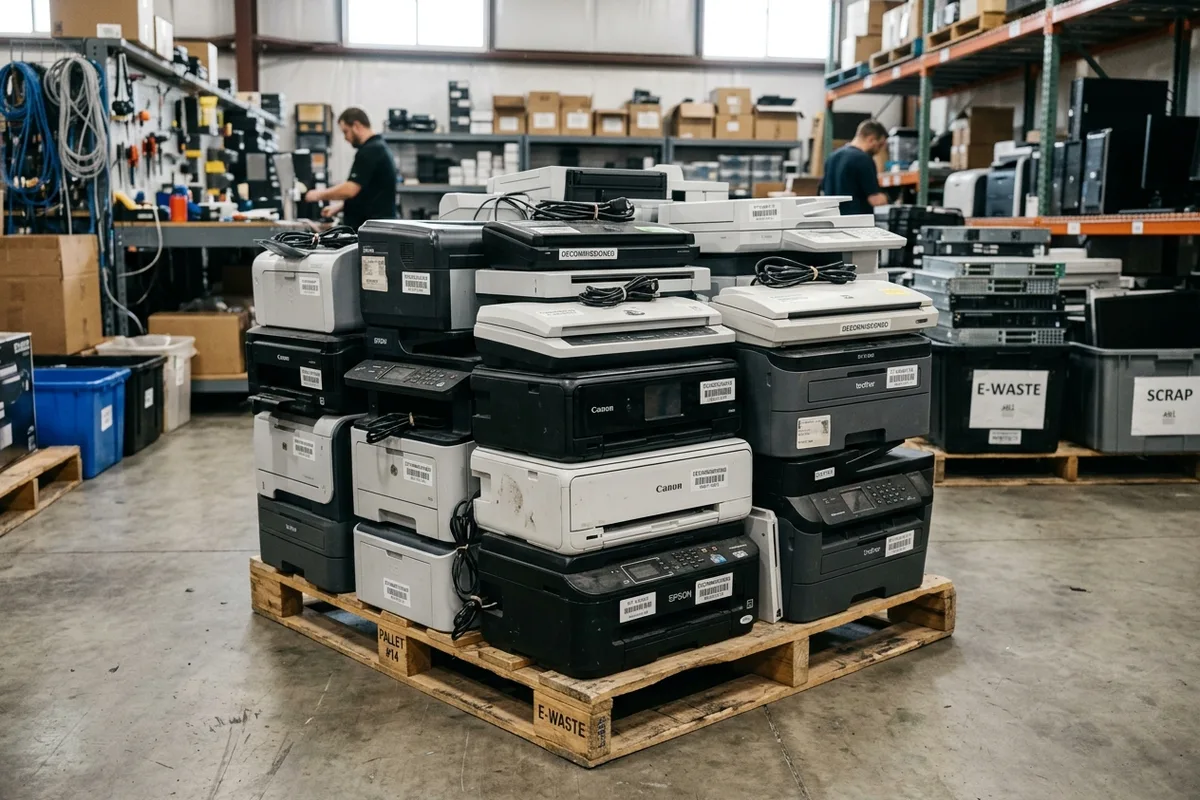
At certified UAE electronic recycling facilities, decommissioned printers undergo mechanical dismantling and material separation:
- **High-Impact Polystyrene (HIPS) & ABS Plastics:** The outer plastic shells and paper trays are shredded and granulated for re-pelletization.
- **Structural Steel & Aluminium:** Internal framing, drive shafts, and motor mounts are magnetically separated into ferrous and non-ferrous scrap smelting streams.
- **Precision Stepper Motors & Wiring:** High-torque stepper motors, copper wire harnesses, and transformers are extracted for copper recovery.
- **Control Boards & Power Supplies:** Main logic boards, network interface cards, and power transformer boards are refined for precious metals.