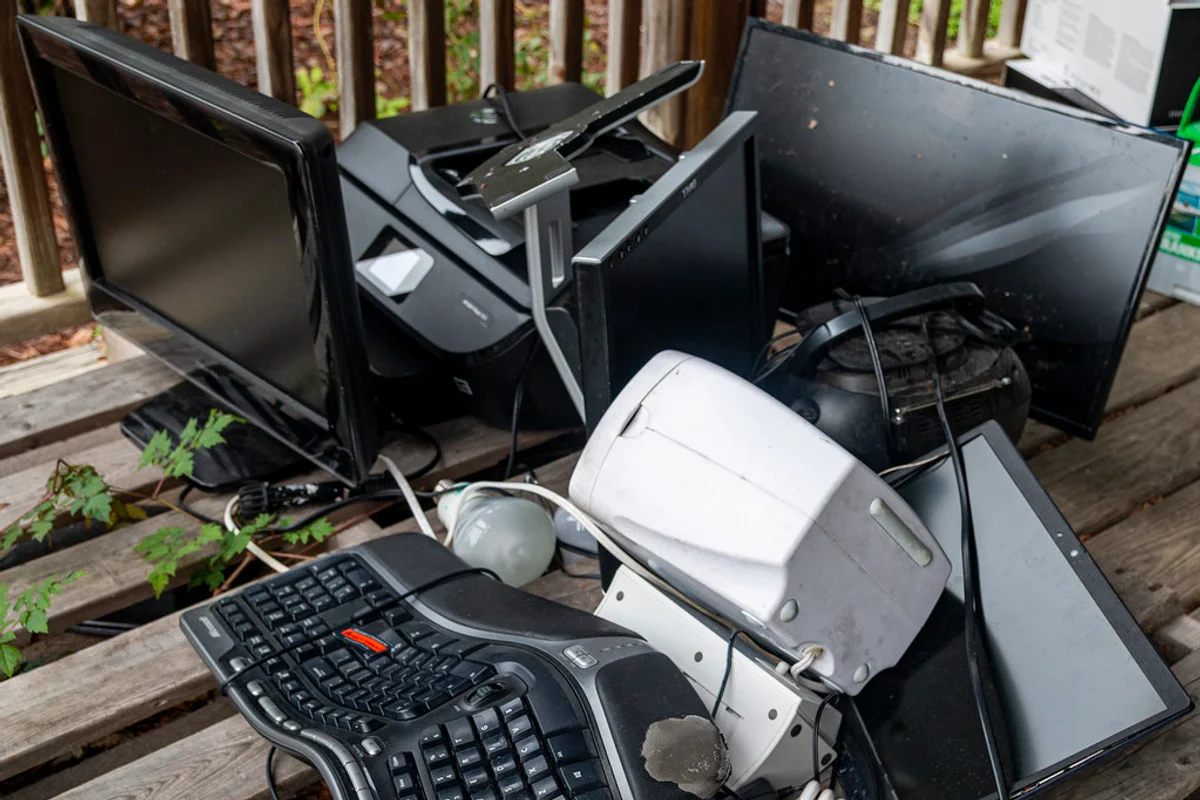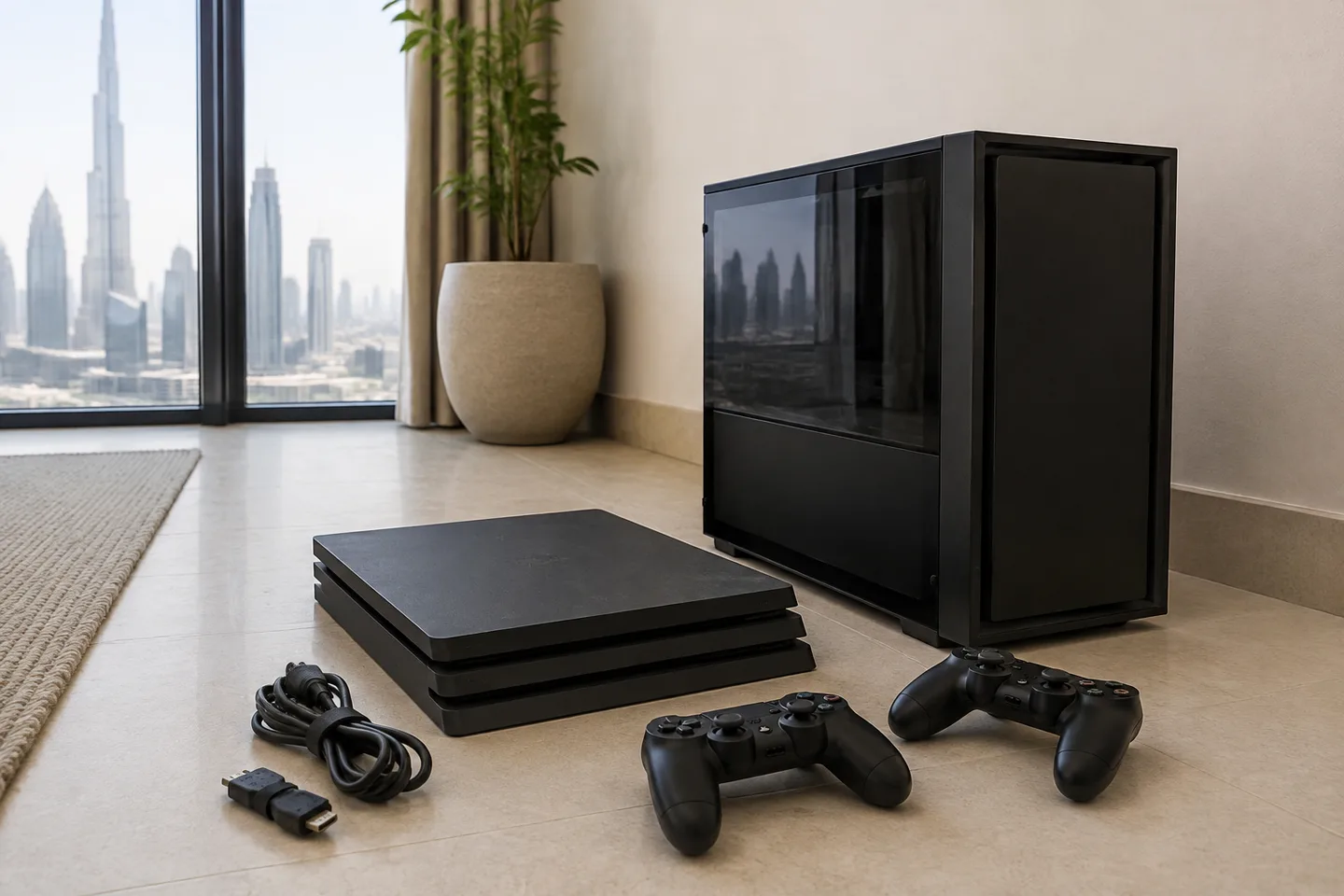
An old gaming setup rarely leaves as one box. The console may be broken while its controllers still work, or a gaming PC may be going out without the graphics card you are keeping. For collection in Dubai, identify exactly what is leaving, finish the account and storage decisions, and describe the equipment as electronics when requesting a pickup.
Decide what leaves before disconnecting the setup
Separate the equipment into keep, pass on and recycle groups while you can still tell which accessories belong together. A missing power adapter can make an otherwise usable console harder for its next owner to test. Conversely, the newest controller on the shelf may belong to the replacement system and should stay.
- Name each console, desktop tower and handheld separately, with its model where known.
- Count controllers, charging docks, headsets, steering wheels, pedals and other powered accessories.
- Keep monitors, speakers, the desk and the gaming chair as separate entries in the collection request.
- Describe faults honestly: no power, damaged port, intermittent shutdown or an incomplete tower are different conditions.
Make the same distinction in photos. One wide picture establishes the size of the job, but a closer picture shows whether the tower has a glass panel or the racing wheel is still clamped to a desk. You do not need to send account screens, passwords or personal files to obtain a collection estimate.
Finish saves and account checks while the console still works
Back up the game saves and captures you want, then follow the manufacturer’s current transfer or disposal instructions for that exact console. Those instructions distinguish resetting the machine from simply restoring its settings. A household with several player profiles should check each person’s saves before anyone starts the reset.
Eject discs and remove game cards and removable storage you intend to retain. External drives and memory cards need their own decision; do not assume a console reset also erases everything connected to it. Check account deactivation or device-sharing settings through the manufacturer’s guidance, without deleting the online account you intend to use on a replacement console.
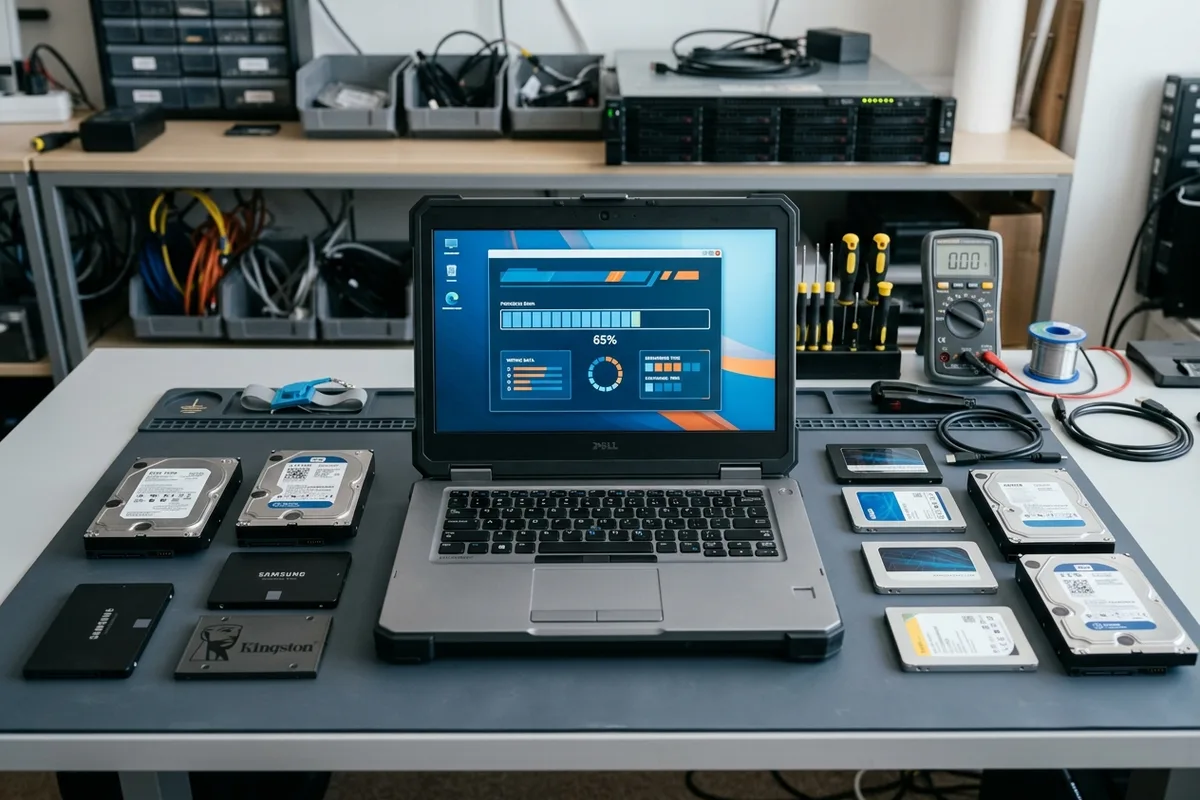
If the machine cannot start, record that the reset was not completed. Do not hand it over as already wiped or give a collector your login so they can try later. Arrange suitable help for the data-bearing hardware or retain the device until that part of the job is resolved; the linked data-wiping guide covers the broader storage question.
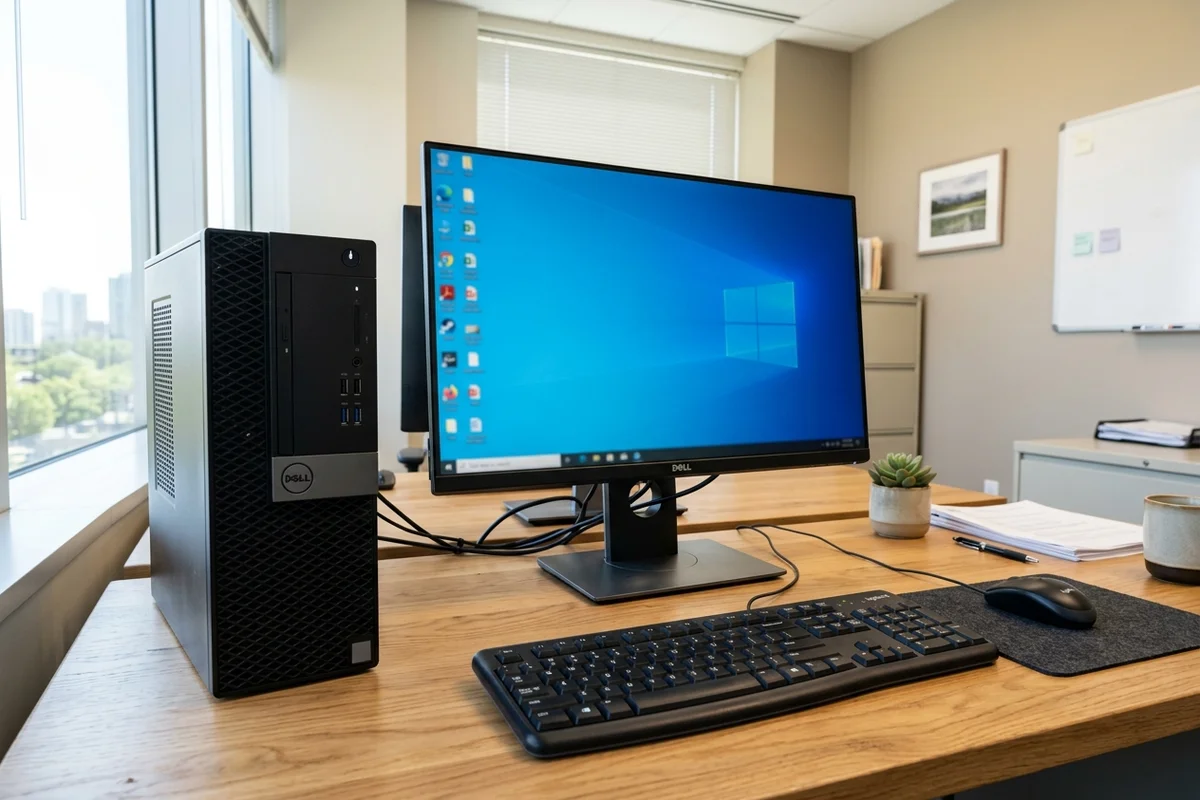
For a custom PC, describe the tower that will actually be collected
A tower photographed before you remove reusable components is a different item from the case handed over afterward. State whether the graphics card, storage drives, power supply and cooling equipment remain installed. This prevents a parts buyer or collection team from relying on an earlier picture of a complete computer.
Have a competent person remove components you are keeping if you are unfamiliar with the build. Keep the power supply housing closed and avoid dismantling equipment merely to make it look more recyclable. For a custom liquid-cooled build, disclose the cooling loop and any leak; agree preparation with someone who understands that system instead of disconnecting tubing on collection day.
A tempered-glass side panel also changes handling. Mention cracked glass before the visit, keep loose screws and detached panels accounted for, and do not hide a damaged panel beneath accessories. The crew needs to know the condition before choosing how to pack and carry it.
Check the accessory tray before packing
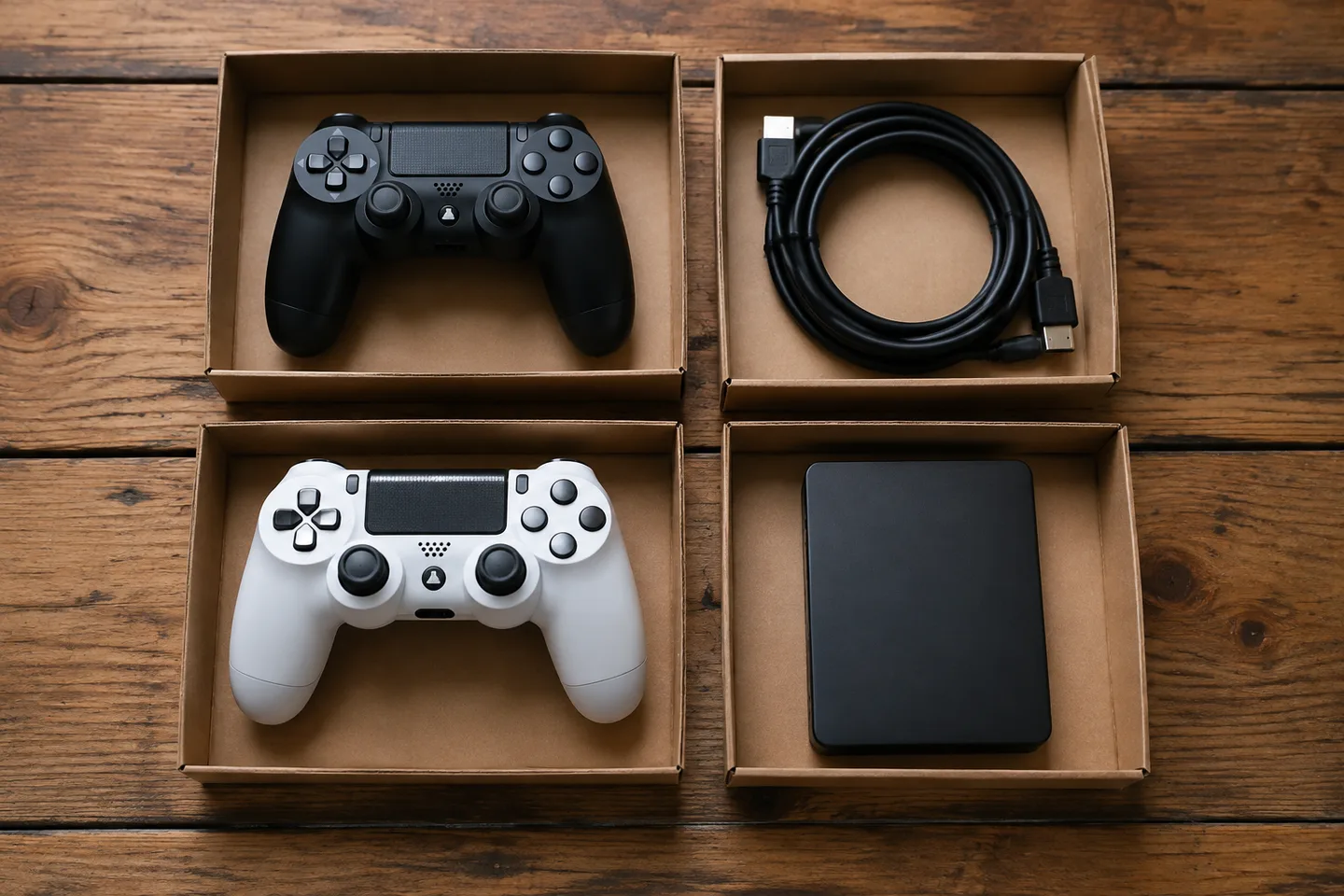
Keep each reusable device with its correct adapter and group loose leads so they cannot trail during the carry. Put the accessories you are keeping elsewhere, rather than marking two similar bags and leaving both beside the door. Small storage devices are particularly easy to overlook among cables.
Tell the collector about battery-powered handhelds, wireless controllers and rechargeable headsets. If a battery looks swollen or damaged, leave it installed, stop using or charging the device and ask the receiving service for handling instructions. Do not put it into an ordinary mixed bag or attempt to pry the battery out for collection.
Arrange collection around the actual size of the setup
A console and a bag of accessories are a smaller job than a tower, two monitors and a racing frame. Ask whether the electronics can join an existing household collection and confirm the added scope and price. Do not assume the potential value of one component makes the whole visit free.
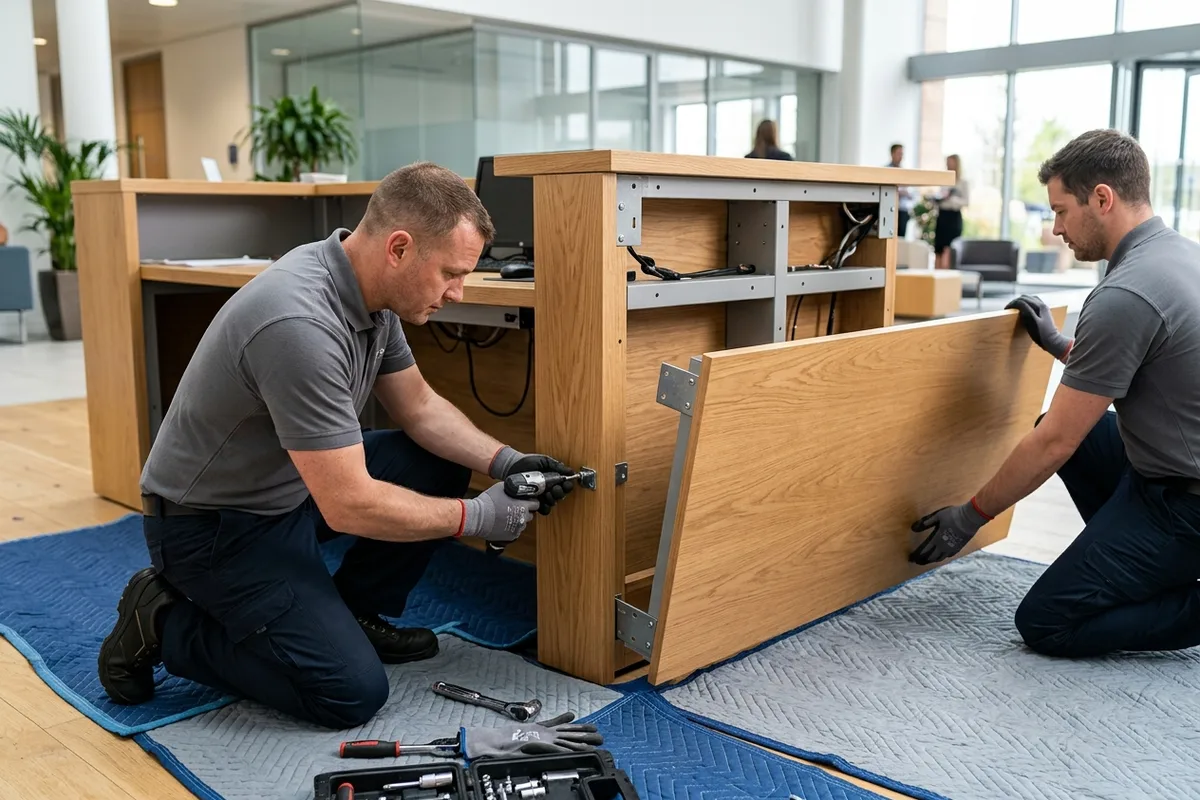
For an apartment in Business Bay, describe the floor and ask management which access arrangements apply to this size of collection. A racing frame or desk may need a service-lift slot even when a single console would not. In a villa, say whether the equipment is upstairs and whether the frame is assembled; those details matter more than the label “gaming setup”.
Match the handover to your final list
Before loading, compare the items with the final keep-and-remove list and confirm any changes to the quote. The useful finish is an agreed set of electronics leaving together, with personal storage resolved and retained parts safely elsewhere. That avoids turning a straightforward clear-out into a search for a controller, drive or game card after the vehicle has left.